92 Menus
Using the Menus: Playback Mode
Using the Menus: Playback Mode
The F-mode and playback menus are used to manage the pictures in inter-
nal memory or on the memory card.
Using the
F
-Mode Menu
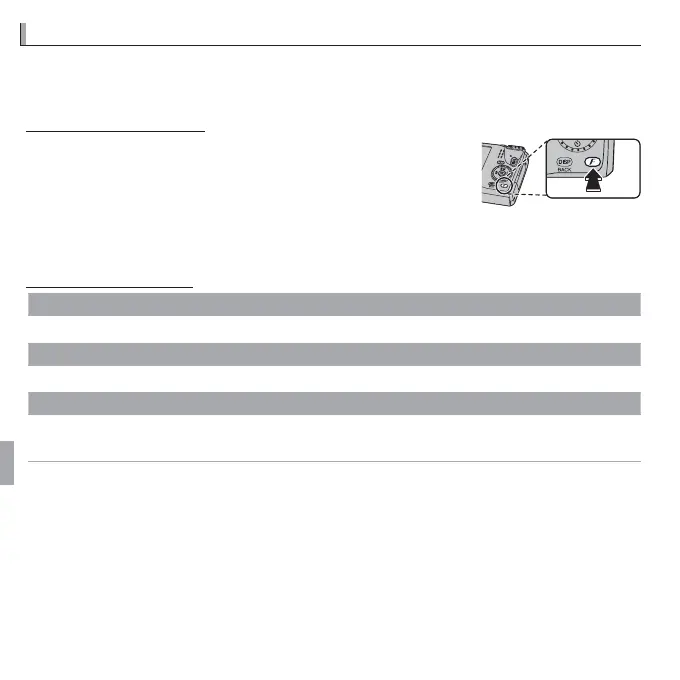
To display F-mode menu playback options, press the
F button in playback mode. Highlight items and press
the selector right to view options, then highlight an op-
tion and press MENU/OK. Press DISP/BACK to exit when set-
tings are complete.
F
-Mode Menu Options
m
PHOTOBOOK ASSIST
Create books from your favorite photos (P 55).
R
LANDMARK NAVIGATOR
View landmark information
(
P
64).
R
PHOTO NAVIGATION
View the direction and distance from your present position to the location where a picture was
taken
(
P
62).



 To Next Page
 Loading...








