17
Basic Photography and Playback
Basic Photography and Playback
Taking Pictures in
R
(
E
AUTO
) Mode
This section describes how to take pictures in R (E AUTO) mode.
1
Select O mode.
Turn the camera on and rotate the mode dial to O. The R display
will appear in the LCD monitor.
The
o
Icon
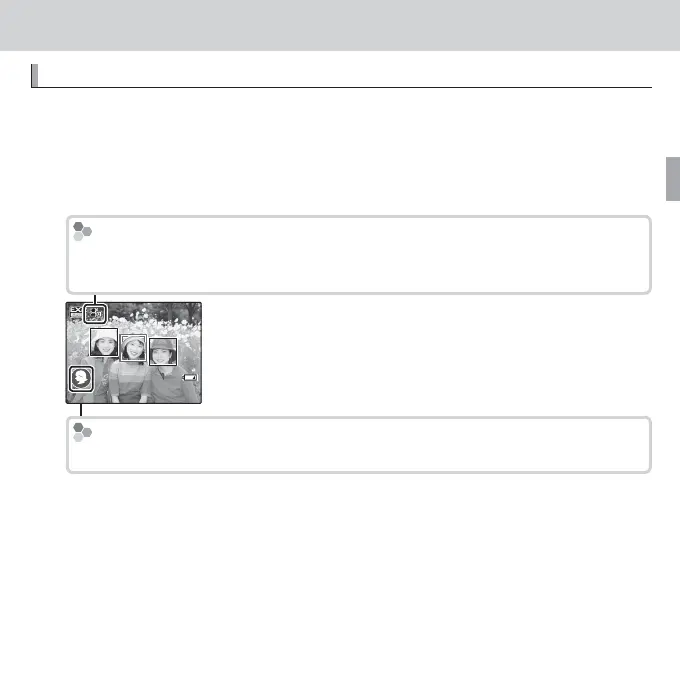
In R mode, the camera continuously adjusts focus and searches for faces, in-
creasing the drain on the battery. o is displayed in the LCD monitor.
Scene Icon (
P
23)
The camera automatically selects the appropriate scene.
R The camera analyses the scene and selects the preferred E mode when
the shutter button is pressed halfway (P 24).
R To raise the ash when lighting is poor, press the ash pop-up button (P 38).



 To Next Page
 Loading...








