23More on Photography
Shooting Mode
O
(
E
AUTO/
E
Priority)
Optimize settings for your current subject or improve clarity, reduce
noise, or enhance dynamic range. Rotate the mode dial to O
and choose one of the following E modes in the shooting
menu.
■ R (E AUTO)
The camera automatically selects the scene and E
mode according to shooting conditions (P 17).
R If S is selected for O IMAGE SIZE in R mode, the camera
will automatically select the optimal image size.
R R INTELLIGENT DIGITAL ZOOM is restricted to 2× (P 107).
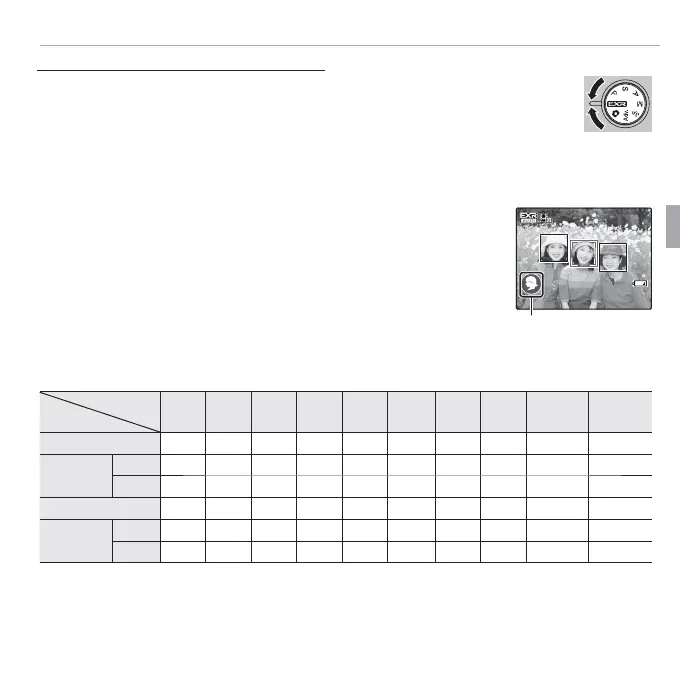
The Scene Icon
Scene icon
The camera selects from the following scenes:
Scene
Main subject
AUTO
LAND-
SCAPE
NIGHT
MACRO
BEACH
SUNSET
SNOW
SKY
GREENERY
SKY &
GREENERY
Non-portrait
a
c
d
*
e
u
v
w
x
y
z
Portrait
Normal
d
d
c
d
d
*
—
d
u
d
v
d
w
d
x
d
y
d
z
Backlit
g
gc
—
—
gu
gv
gw
gx
gy
gz
Moving object
c
c
c
c
d
c
e
c
u
c
v
c
w
c
x
c
y
c
z
Portrait and
motion
Normal
a
a
c
a
d
—
a
u
a
v
a
w
a
x
a
y
a
z
Backlit
b
b
c
—
—
b
u
b
v
b
w
b
x
b
y
b
z
* If n is displayed, the camera will take a series of shots (advanced anti-blur; P 24).
Q The mode selected may vary with shooting conditions. If the mode and subject do not match,
select B mode (P 22) or choose SP (P 30) and select a scene manually.



 To Next Page
 Loading...








