52 More on Playback
Playback Options
Multi-Frame Playback
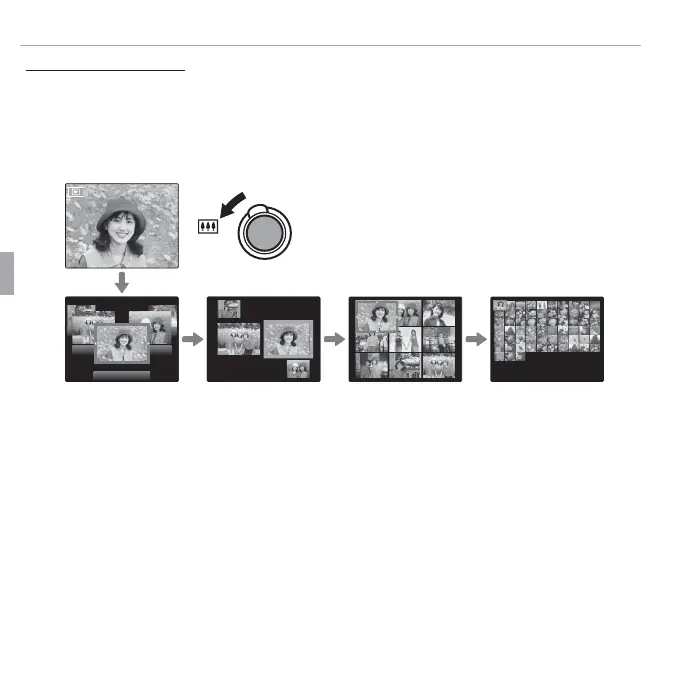
Selecting j when a picture is shown full-frame in the LCD monitor displays
the current image with previous and following images in the background.
Select j to increase the number of images displayed to two, nine, or one
hundred, i to view fewer images.
100-0001
When two or more images are displayed, use the selector to highlight images
and press MENU/OK to view the highlighted image full frame. In the nine- and
hundred-frame displays, use the selector to view more pictures.



 To Next Page
 Loading...








