62 GPS
Viewing GPS Data
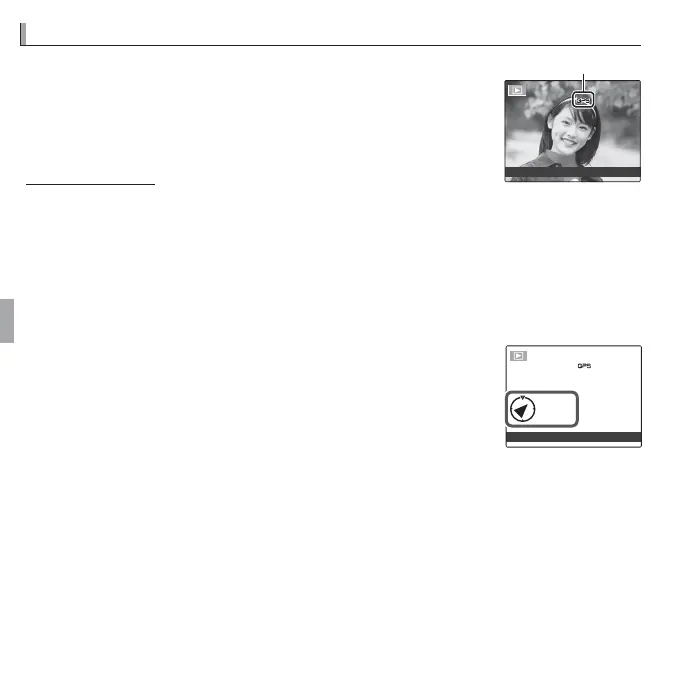
During playback, pictures for which GPS data exist are in-
dicated by a J icon. GPS data are shown for a few sec-
onds each time the picture is displayed.
GPS icon
100-0001
-
MINATO, TOKYO, JAPAN
Photo Navigation
To show the direction and distance from your present position to the location
where a picture was taken:
1
Select an option other than OFF for R SET-UP> LOCATION SEARCH and
con rm that the camera is receiving GPS data (P
93
).
2
Display a picture with a J icon.
3
Select R PHOTO NAVIGATION in the playback menu
(P 92). The approximate direction and distance to the loca-
tion where the picture was taken are displayed as shown,
using the units selected for R SET-UP> km/mile (P 93).
Distances over 1000 units are indicated by “>”, those under
100 units by “<”.
NE
<100
m
100-0001
-
MINATO, TOKYO, JAPAN
R Photo navigation ends when the next picture is displayed.



 To Next Page
 Loading...








