64 GPS
R
Landmark Navigator
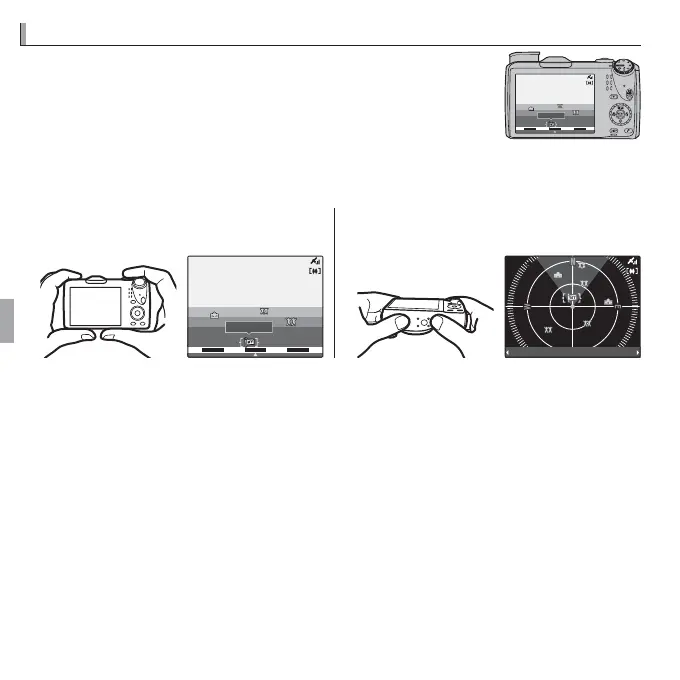
Landmark navigation uses GPS and the camera map da-
tabase to show information on objects the display (this is
sometimes known as “augmented reality,” or AR). To view
landmark information, select R LANDMARK NAVIGA-
TOR in the F-mode playback menu (P 92).
DIST:
20
m
N NNE
NNW
FUJIFILM
The display varies with camera orientation:
• For an “AR” display, hold the camera
with the lens pointed forward.
• For a “radar” display, hold the cam-
era with the lens pointed down.
DIST:
20
m
NNNENNW
FUJIFILM
DIST:
20
m
FUJIFILM
R Use the zoom control to zoom in and out. To display additional information, press
the selector left or right to highlight landmarks and press MENU/OK. Press the selec-
tor down to choose the landmark type. Press DISP/BACK to return to playback or
press the shutter button halfway to exit to shooting mode.
R Landmarks can be added using RMY LANDMARK REGISTER (P 89).



 To Next Page
 Loading...








