66
Movies
Recording Movies
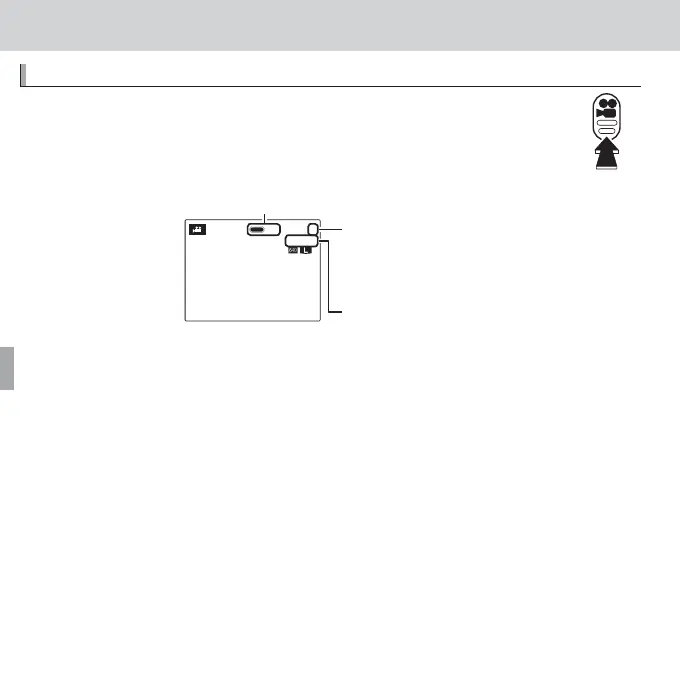
Press F to shoot a movie. During recording, the following indica-
tors will be displayed and sound will be recorded via the built-in
microphone (be careful not to cover the microphone during re-
cording).
1
REC
999m59s
F
y REC icon
Time remaining
Number of photos that
can be taken during
recording
To end recording, press the F button again. Recording ends automatically
when the movie reaches maximum length or memory is full.
R Zoom can be adjusted while recording is in progress.
R If the subject is poorly lit, the AF-assist lamp may light to assist the focus operation.
To turn the AF-assist lamp o , select OFF for C AF ILLUMINATOR in the setup
menu (P 107).
R Focus, exposure, and white balance are adjusted automatically throughout record-
ing. The color and brightness of the image may vary from that displayed before
recording begins.
R Sounds made by the camera may be recorded.



 To Next Page
 Loading...








