29
More on Photography
Shooting Mode
Advanced Anti Blur
When n is displayed, the camera will take a series of
exposures and combine them to form a single image,
reducing “noise” (mottling) and blur.
1
n is available when ON is selected in the shooting
menu (P 86) and the flash (P 37) is off or set to
auto.
3
• Some time may be required to combine the expo-
sures into a single image. A single combined image
may not be created if the subject or camera moves
during shooting. Keep the camera steady during
shooting and do not move the camera until shoot-
ing is complete.
• Frame coverage is reduced.
The EXR Icon
When the shutter button is pressed halfway, the
camera chooses the preferred E mode:
• S (RESOLUTION PRIORITY): Produces crisp, clear
shots.
• T (HIGH ISO & LOW NOISE): Reduces noise in pic-
tures taken at high sensitivities.
• U (D-RANGE PRIORITY): Increases the amount of
detail visible in highlights.
■
E
Priority
Choose from the following options:
• S (RESOLUTION PRIORITY): Choose for crisp, clear
shots.
• T (HIGH ISO & LOW NOISE): Reduce noise in pic-
tures taken at high sensitivities.
• U (D-RANGE PRIORITY): Increase the amount of
detail visible in highlights.
U DYNAMIC RANGE (P 84) can be set to
M (1600%) and D (800%).
B
AUTO
Choose for crisp, clear snapshots. This mode is
recommended in most situations.
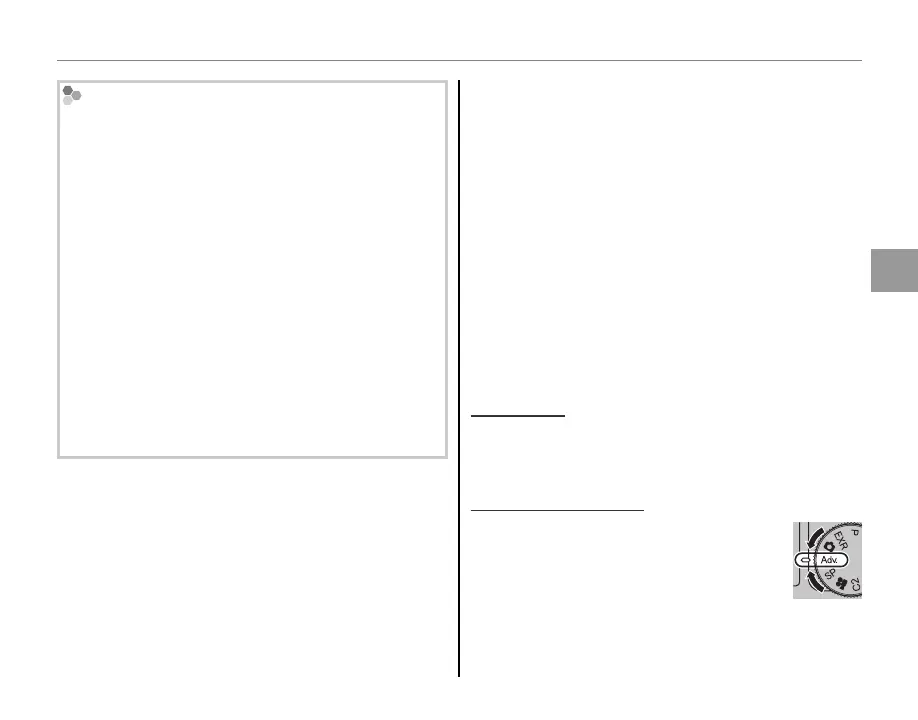
Adv.
ADVANCED
This mode combines “point-and-shoot”
simplicity with sophisticated photograph-
ic techniques. The
A
Adv. MODE op-
tion in the shooting menu can be used
to choose from the following advanced
modes:



 To Next Page
 Loading...