49
More on Photography
White Balance
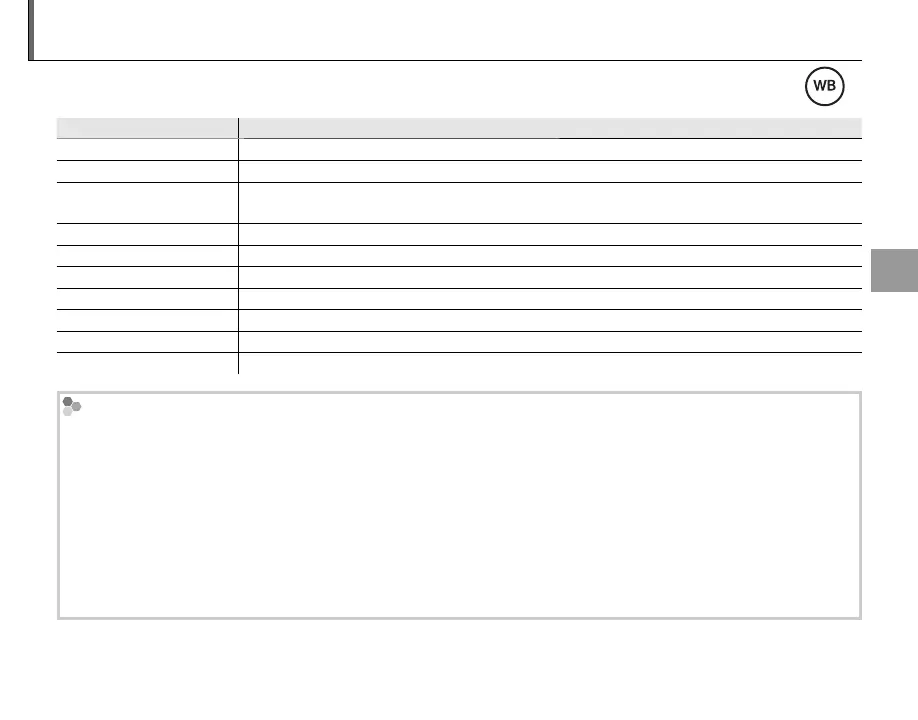
For natural colors, press the WB button and choose a setting that matches the light source.
Option
Description
AUTO White balance adjusted automatically.
h
Measure a value for white balance.
k
Selecting this option displays a list of color temperatures (P 50); highlight a temperature and
press MENU/OK.
i
For subjects in direct sunlight.
j
For subjects in the shade.
k
Use under “daylight” fluorescent lights.
l
Use under “warm white” fluorescent lights.
m
Use under “cool white” fluorescent lights.
n
Use under incandescent lighting.
g
Reduces the blue cast typically associated with underwater lighting.
h: Custom White Balance
Choose h to adjust white balance for unusual lighting conditions. White balance measurement options will
be displayed; frame a white object so that it fills the LCD monitor and press the shutter button all the way down
to measure white balance.
• If “COMPLETED!” is displayed, press MENU/OK to set white balance to the measured value.
• If “UNDER” is displayed, raise exposure compensation (P 44) and try again.
• If “OVER” is displayed, lower exposure compensation and try again.
1
For greater precision, adjust P FILM SIMULATION, N ISO, and U DYNAMIC RANGE before measuring
white balance.



 To Next Page
 Loading...