59
More on Playback
A Deleting Pictures
To delete individual pictures, multiple selected pictures, or all pictures,
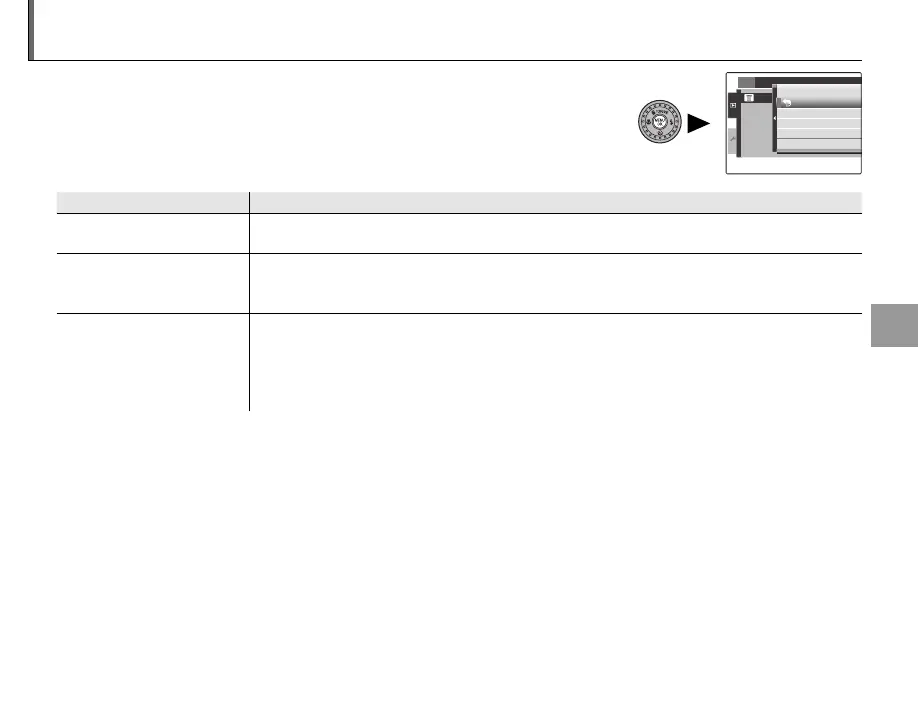
press MENU/OK, select A ERASE (P 89), and choose from the options
below. Note that deleted pictures can not be recovered. Copy important
pictures to a computer or other storage device before proceeding.
Option
Description
FRAME
Press the selector left or right to scroll through pictures and press MENU/OK to delete the current
picture (a confirmation dialog is not displayed).
SELECT FRAMES
Highlight pictures and press MENU/OK to select or deselect (pictures included in the photobook
or print order are shown by S). When the operation is complete, press DISP/BACK to display a
confirmation dialog, then highlight OK and press MENU/OK to delete the selected pictures.
ALL FRAMES
A confirmation dialog will be displayed; highlight OK and press MENU/OK to delete all unpro-
tected pictures (if a memory card is inserted, only the pictures on the memory card will be af-
fected; the pictures in internal memory are only deleted if no memory card is inserted). Pressing
DISP/BACK cancels deletion; note that any pictures deleted before the button was pressed can
not be recovered.
1
• Protected pictures can not be deleted. Remove protection from any pictures you wish to delete (P 92).
• If a message appears stating that the selected images are part of a DPOF print order, press MENU/OK to delete the
pictures.
SET
PLAYBACK MENU
ERASE
FRAME
SELECTED FRAMES
ALL FRAMES
BACK



 To Next Page
 Loading...