54 Upgrade and Maintenance Manual
TX140 S2
Basic hardware procedures
Ê Turn the key clockwise to unlock the front and side covers (1).
Ê Remove the key from the server front (2) and set aside for later use.
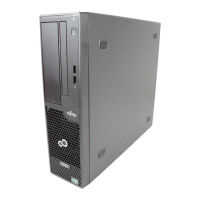
Figure 10: Removing the side cover (tower server)
Ê Open the locking lever (1). This will slide the side cover back disengaging
the locking mechanism (2).
Ê Remove the side cover (3).


 To Next Page
 Loading...