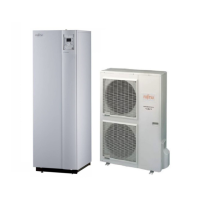
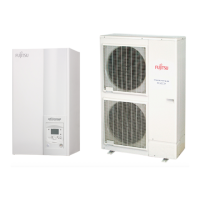
Split system (Single phase and 3-phase type)
106 Maintenance Document 1544-1
6.2.6 FAN MOTOR removal
6.2.7 TOP PANEL removal
6.2.8 PIPE COVER FRONT removal
Remove the 4 mounting screws. Remove the FAN GUARD
by sliding upward.
Remove the Hex Socket Screw and
remove the PROPELLER FAN.
Note at the installation.
Insert propeller Fan and Moter shaft reference D
cutting position.
And the tightening torque at the installation.
Tightening torque is from 10 to 15Nm.
Cut the binder.(2 places)
Loose the clamp, and
remove the lead wires
Remove the 4 mounting screws.
Remove the FAN MOTOR.
Screw
with washer
Screw
with washer
Screw
serrated
Remove the mounting screws. Remove the TOP PANEL.
Screw
serrated
Screw
with washer
Hook
Remove the mounting screws.
Remove the PIPE COVER FRONT.
3-Phase type



 To Next Page
 Loading...