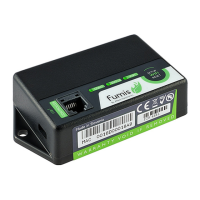
step 3
step 4
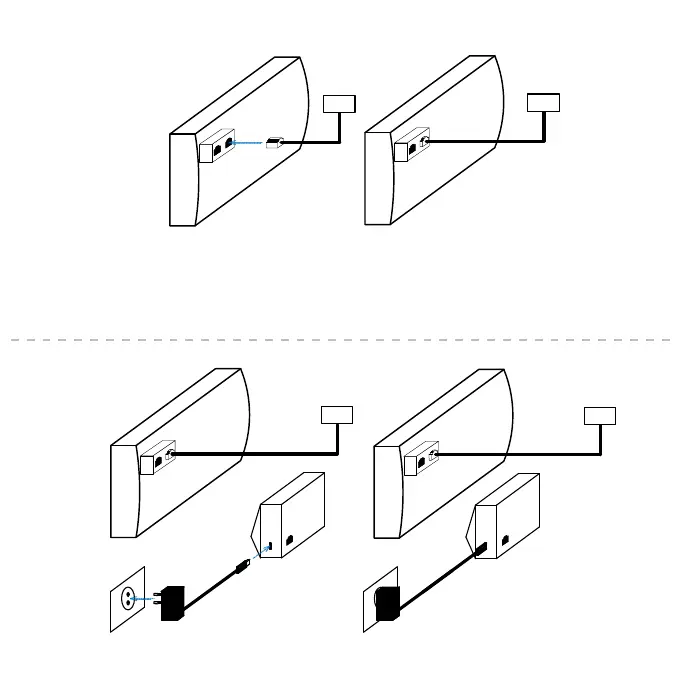
Insert the splitter instead.
Disconnect the cable of the display of your heating device from the controller.
Connect the Fumis WiRCU module to the power supply.
Reconnect the display’s cable into one of two connectors on the splitter (not important which one).
5


 To Next Page
 Loading...