3 USB port.
4 Selection and control buttons of the built-in media player:
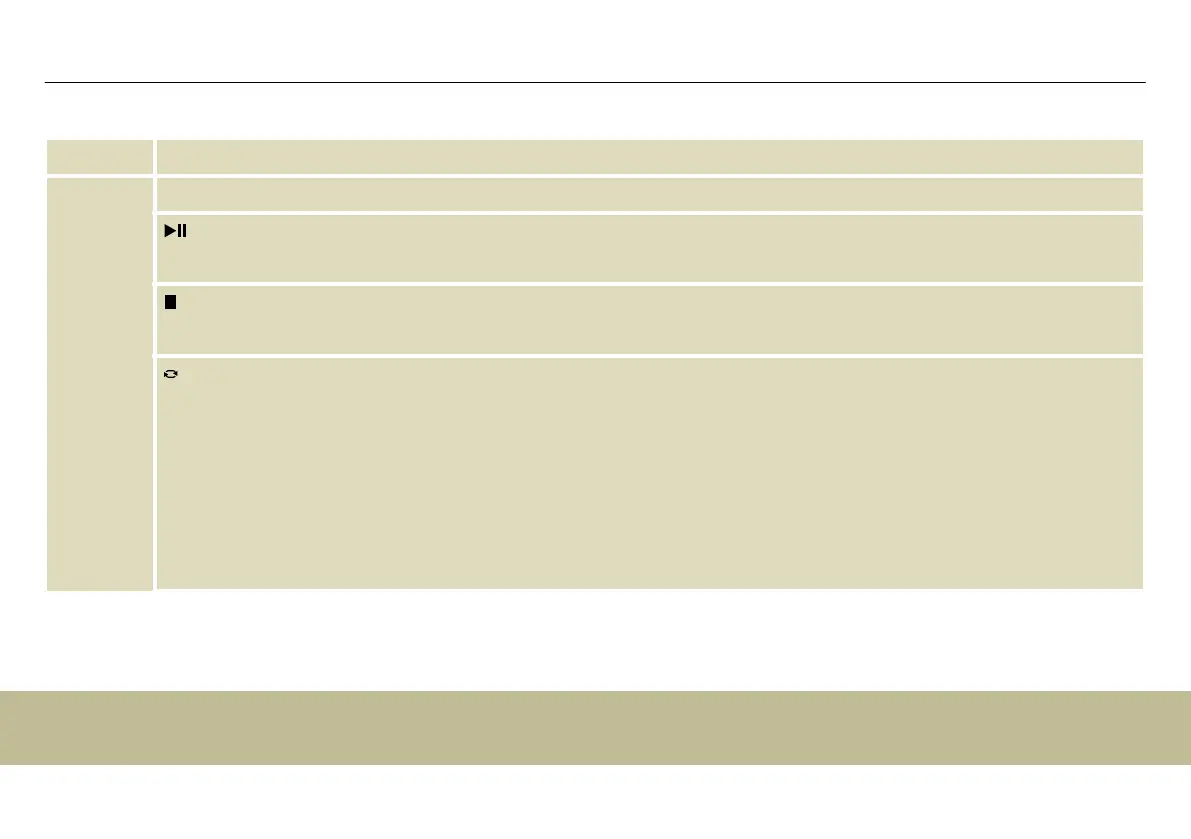
Play / Pause button to start / stop track playback.
Stop button to stop playback.
Selection button. Press the button repeatedly to activate a playback mode. The active mode and the title of the cur‐
rent track will appear on the display:
n ‘NOR’: normal playback, all tracks of the selected audio source are played one time in succession.
n ‘RALL’: standard setting, all tracks of the selected audio source are played in an endless loop.
n ‘RONE’: the selected track is played in an endless loop.
n ‘FOLD’: all tracks in a specic older of the selected audio source are played in an endless loop.
n ‘RAN’: all available tracks are played in random order.
Connections and controls
active 2-way speaker
20


 To Next Page