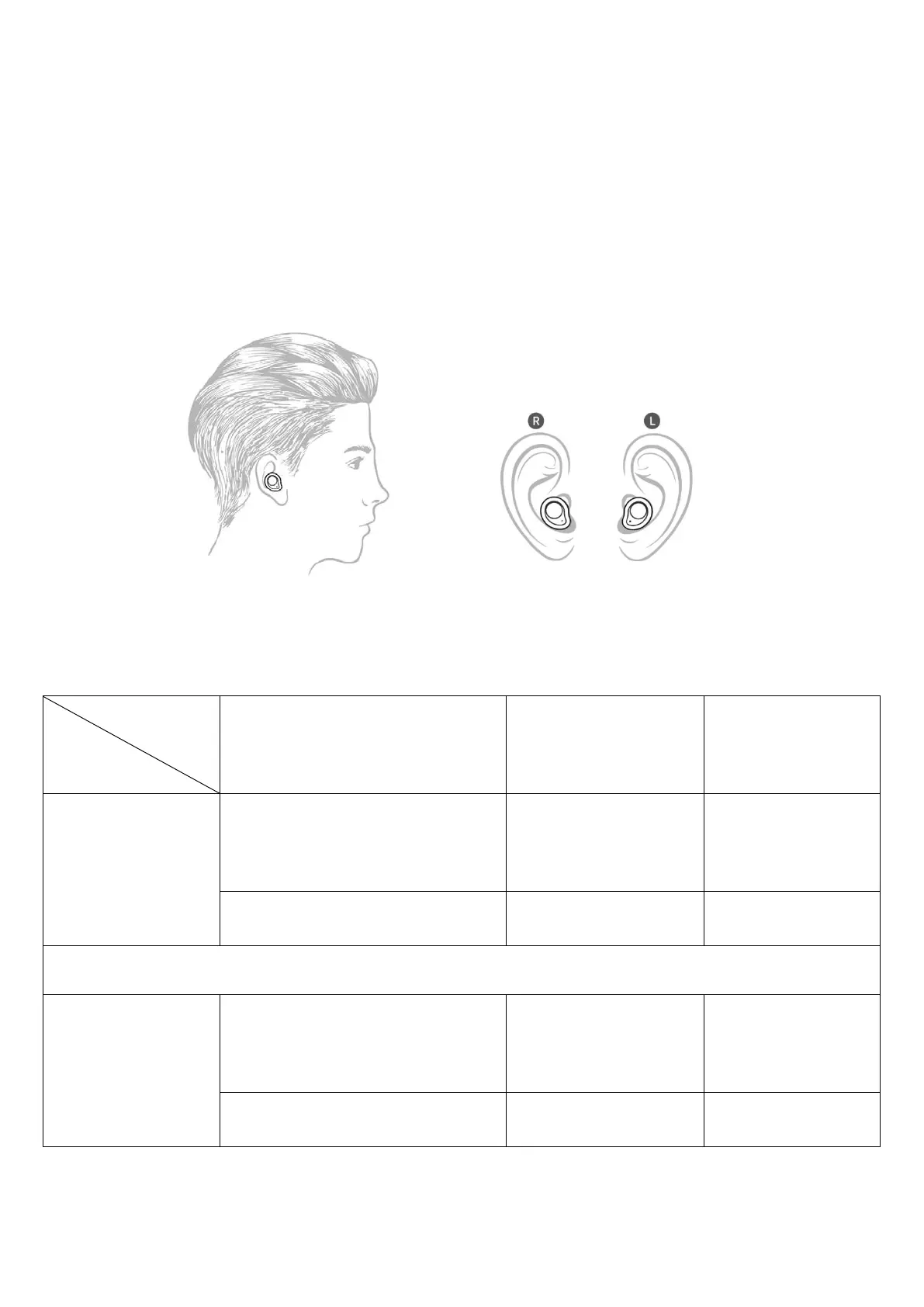
2.The earphones are marked with "L" and "R". Please wear the
earphones marked with "L" on the left ear, and the earphone
marked with "R" on the right ear. Then, turn the earphones
to position it firmly and comfortably (as shown below).
A
○
B
E
V. Function operation
Answer incoming
call/hang up
Previous song
volume+
Play/pause music
Answer incoming
call/hang up
Next song volume-
Play/pause music
1. Music control: double click the R earphone touch key to switch
to the previous song and double click the L earphone touch key



 To Next Page