ATR500 / P/N 500-(0XX)-(0XX) / 500-(1XX)-(1XX)
Operation and Installation
8 Dokument-Nr.: 01.1251.010.71e / Revision: 2.01
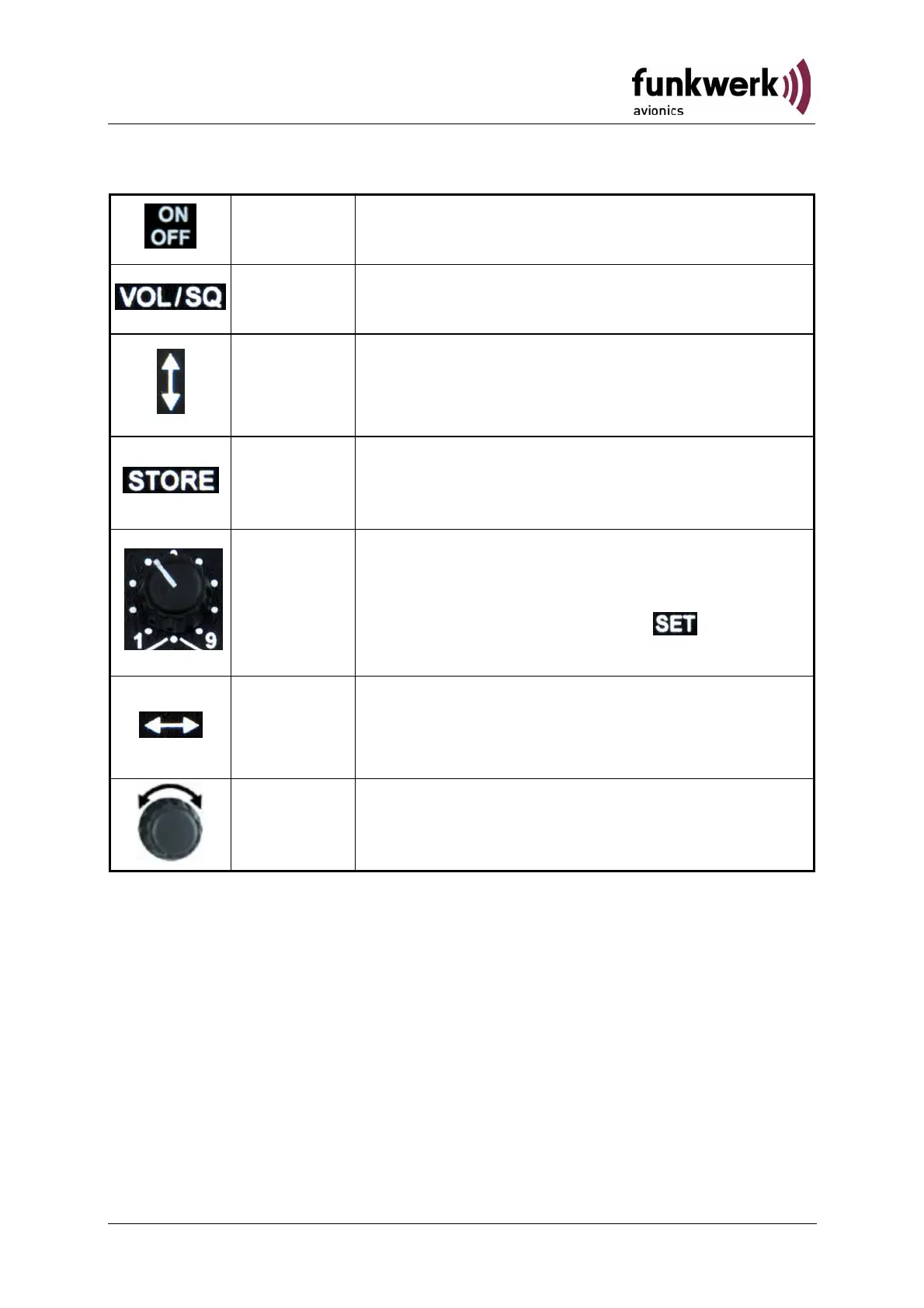
On/Off
Switch On press button for approx. 0,5 s
Switch Off press button for approx. 3 s
VOL/SQ
Navigate through Basic Settings VOL, SQ,
VOX, DIM und CON
CHANGE
1. Toggle between active and standby
frequency
2. Exit Basic Settings
STORE
Storing of currently active frequency onto
the selected memory position (refer to
section 2.5.3 page 14)
MEM/SET
Rotary Knob to either select a stored
frequency from a memory position or
enable manual input of frequencies
(MEM/SET Knob in position )
(refer to section. 2.5 page 14)
CURSOR
1. Change between setting of MHz and
kHz digits
2. Exit Basic Settings
ROTARY
KNOB
Input and adjusting of values (frequencies,
level, etc…)


 To Next Page