Chart Alarms •
••
• 211
How to activate own ship check
Calculation of own ship predicted movement area is done using watch sector from own ship position. Sector size is
time and angle. To set them proceed as follows:
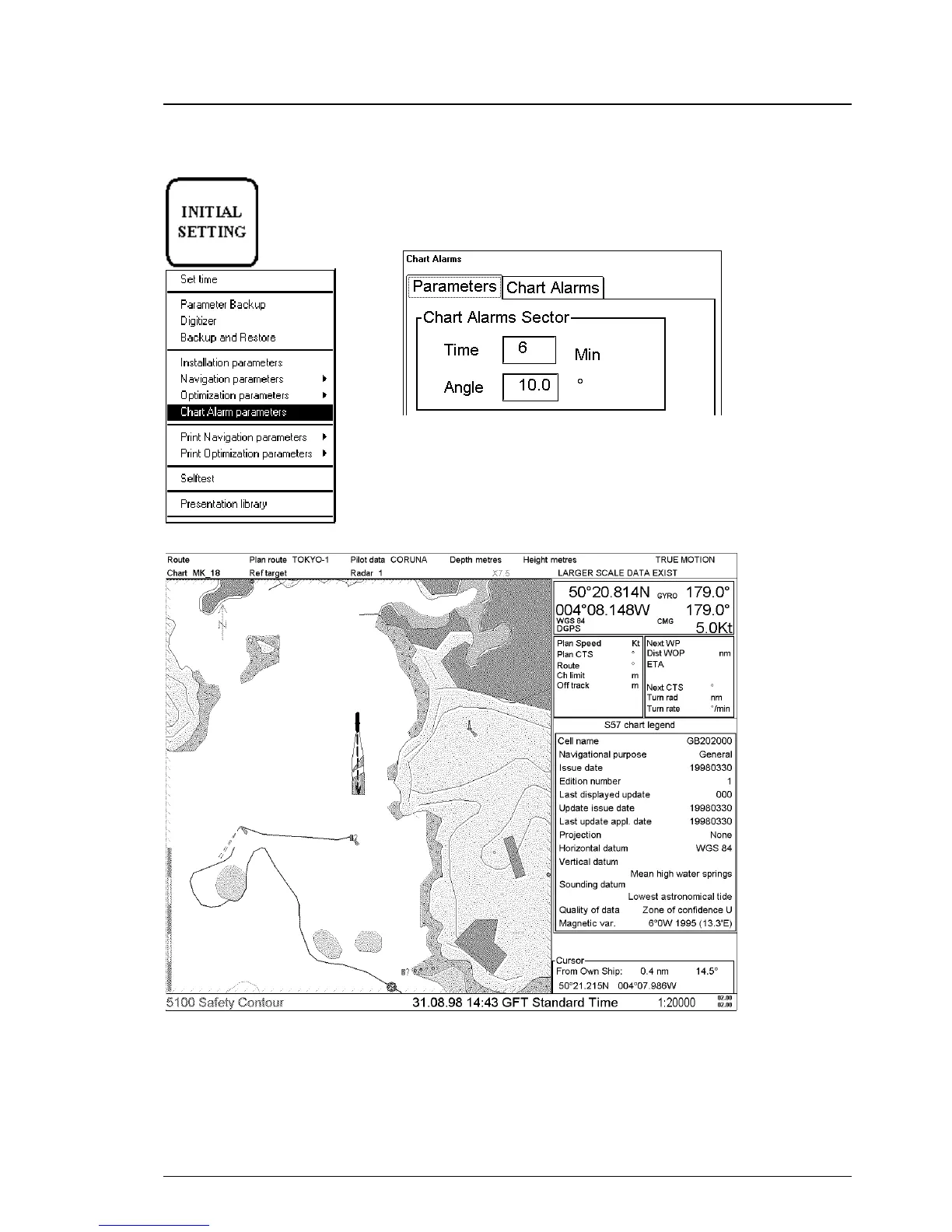
1. Press INITIAL SETTING button, select Chart Alarm parameters from
the menu.
2. Following dialog box appears. Open Parameters sheet. Enter desired
values to define size of sector.
Time for sector is set to be 6 minutes and angle is 10 degrees.
Figures below show how watch sector is displayed on ECDIS screen.



 To Next Page
 Loading...








