Introduction •
••
• 11
How to read this manual
The ECDIS is build on the platform of Windows NT. So the windows, menus and dialogues outfit seem same as in
other Windows application. If you are not familiar with Windows 3.x or Windows NT refer for more information to
manuals of Windows NT.
Below are explanations for a few terms used in this manual:
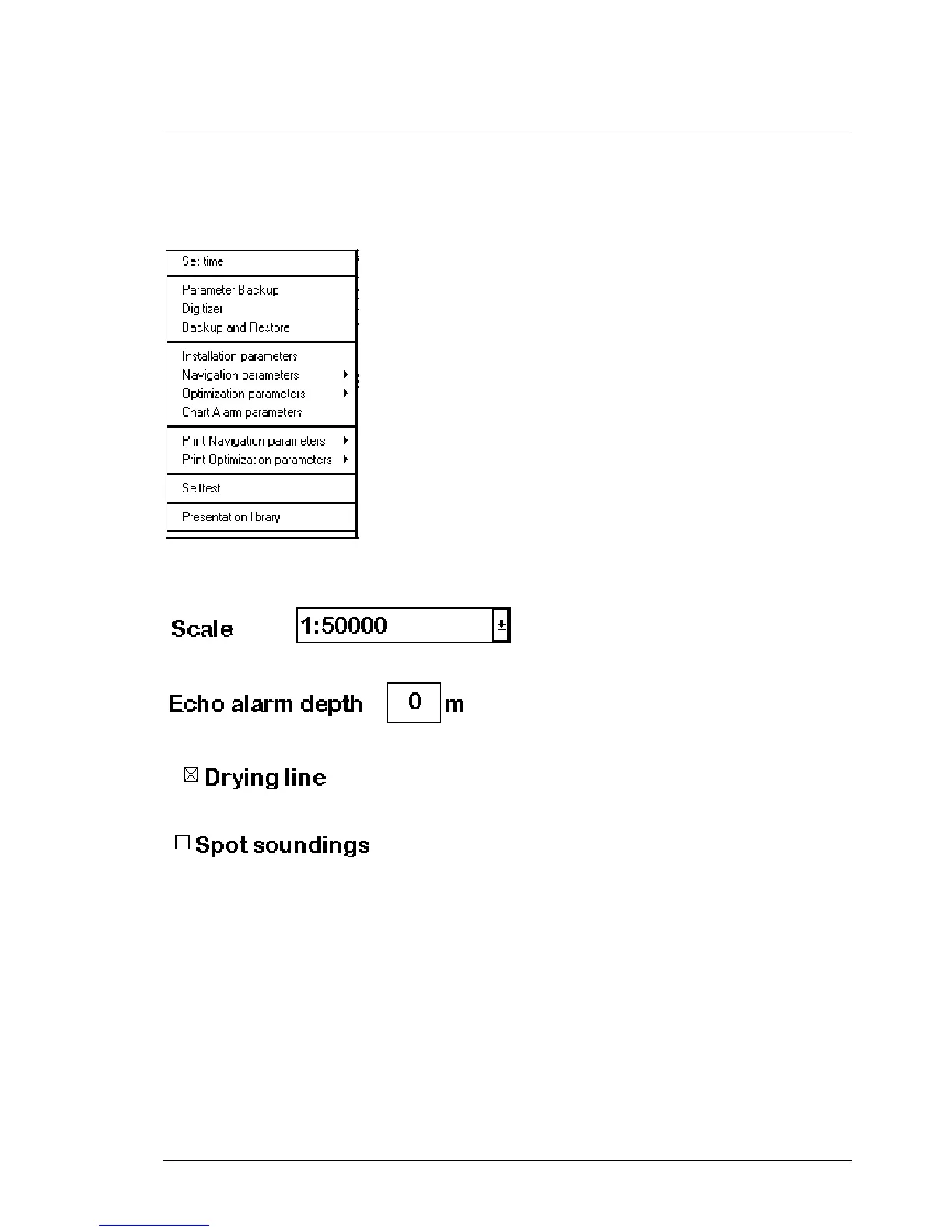
This is typical menu of ECDIS. From this menu user can execute appropriate
function. There can be two kinds of function in the menu:
1. Command, which executes directly function.
2. Command followed small triangle. By selecting function like that it will
appear submenu where user can select appropriate function to execute.
There can also be command which is grey. Greyed commands are not active or they are for future use. They are not
selectable.
A list box:
An edit box:
Selected check box:
A check box not selected:



 To Next Page
 Loading...








