324 •
••
• Target functions
Display ARPA target past positions
To display ARPA target past tracks, proceed as followed:
1. Press Chart display button.
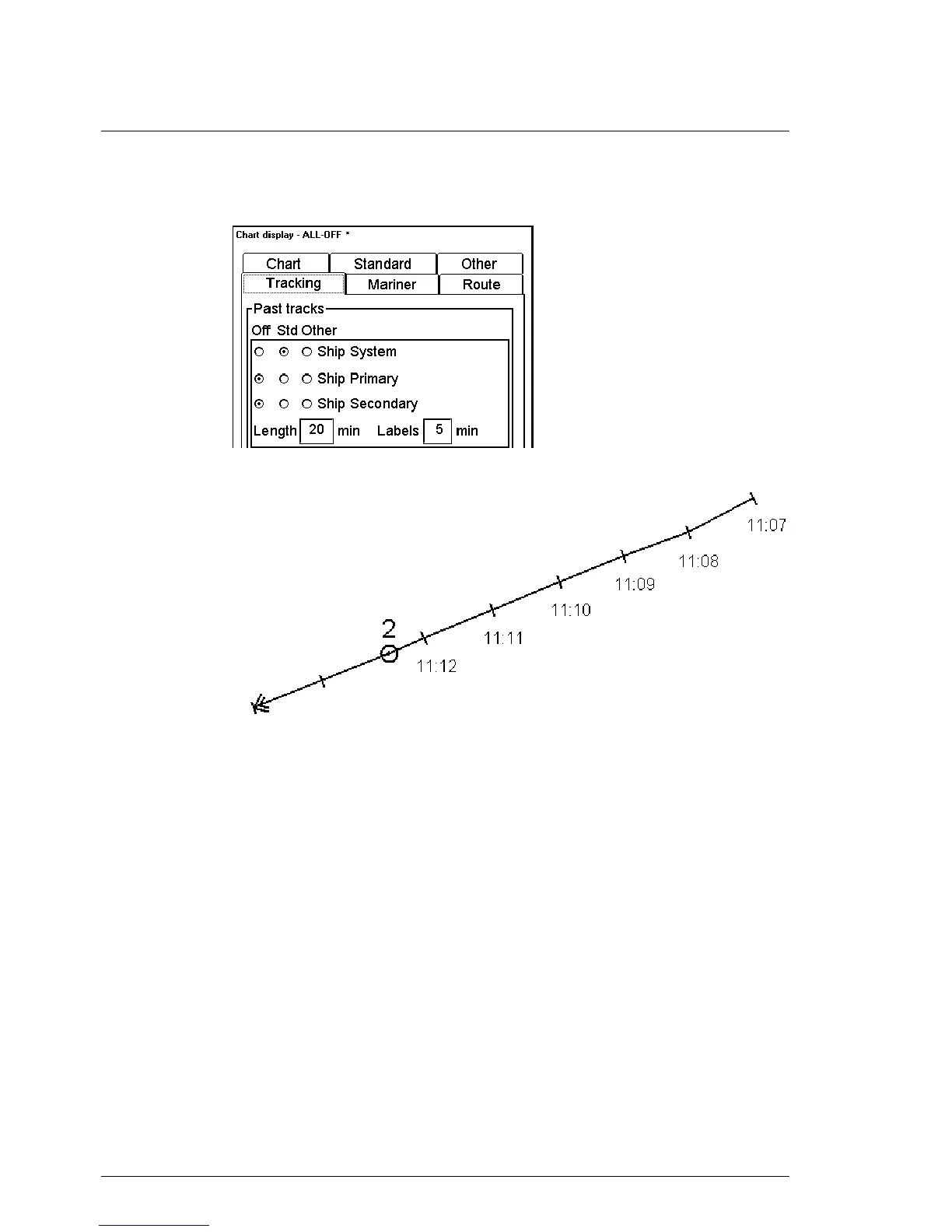
2. Select Tracking sheet open. Select ARPA targets either Std or Other position.
3. ARPA Target past track will appear. The distance of track depends on selected value (i.e. in
the Figure above the distance of displayed track is last 20 min labelled every five minutes).
Display of ARPA target past track using 1 minute labels



 To Next Page
 Loading...








