448 •
••
• Appendix 3
Catalogue of S57 cells with C-MAP charts
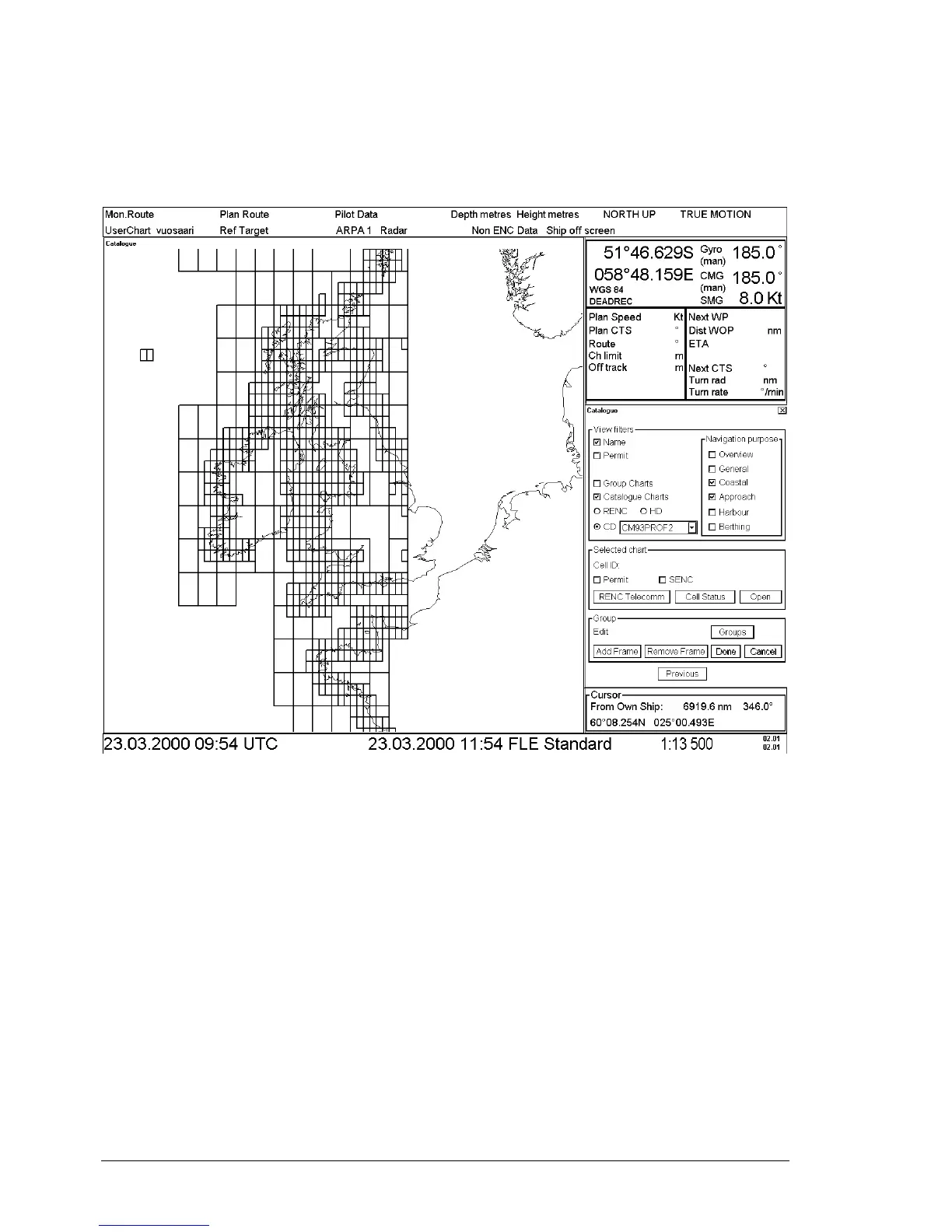
A S57 catalogue is used to view your cells stored into the hard disk or named "CD catalogues". You view limits of
cells in S57 Catalog window. It is possible to pick any cell by going over its limit using the cursor and then see the
information (cell ID, update’s number) of it.
View Filters -field
These fields are used to select displayed cells in S57 Catalog window. This is useful if the number of the cell has
increased so much that you can not see the individual cells properly. Use filters to avoid confusion. Categories
useful with C-MAP charts are follow:
• Name, if selected you see also cell names. Normally don't select with C-MAP charts.
• Permit, displays only cells for which you have permits
• Group Charts, displays only cells which are members of the active group.
• Catalog Charts, you have three option to select:
• use CD, to view cells from a named "CD" (typically with name "NON-HO") which you
have read from C-MAP CD-ROM.
• Navigation purpose, display only cells from selected navigation purposes. Categories are
follow:
• Overview
• General
• Coastal
• Approach
• Harbour
• Berthing



 To Next Page
 Loading...








