Control Panel •
••
• 31
Control Panel
Overview
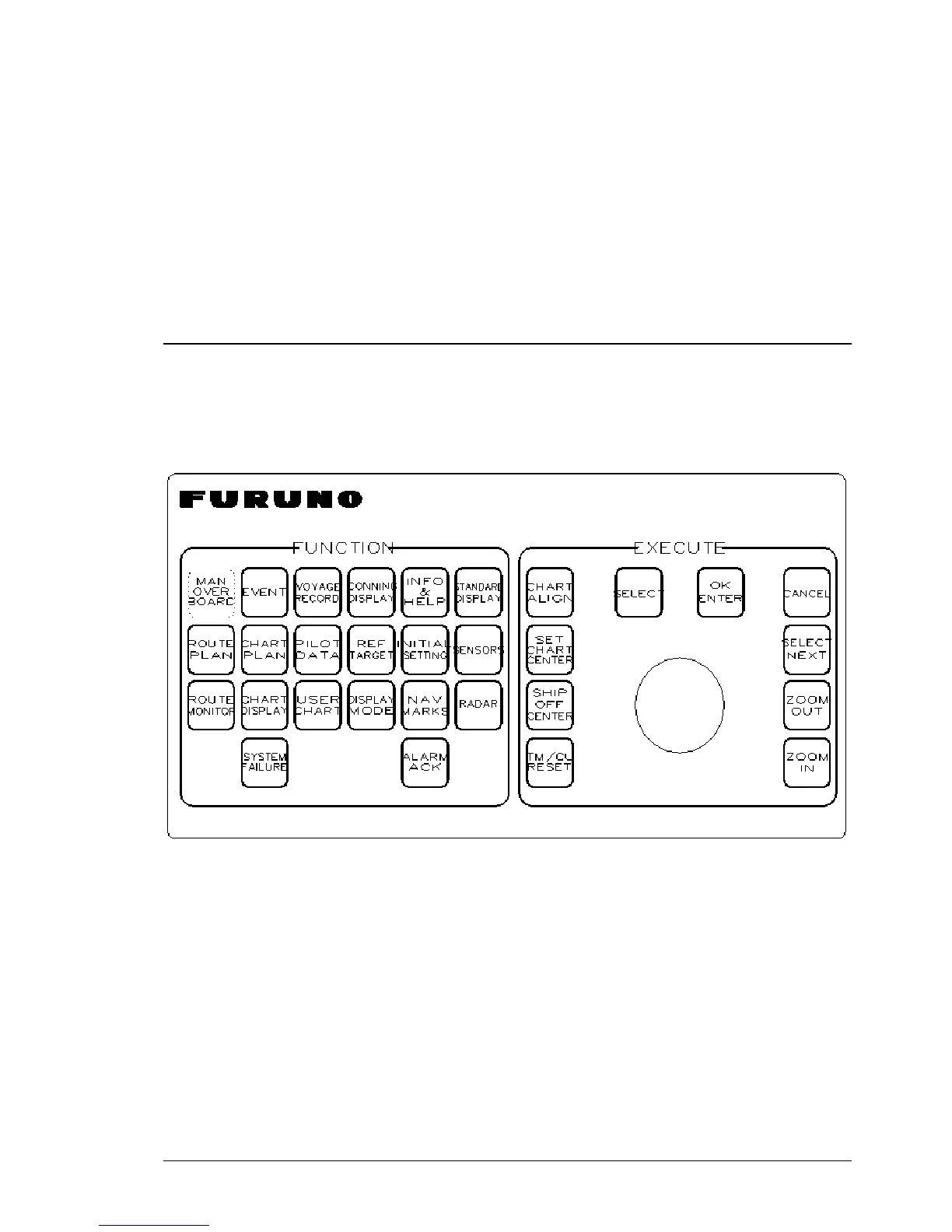
The user can control the ECDIS with the Control Panel. The Control Panel includes the pushbuttons and the
trackball. The trackball is used as a mouse by rolling the ball and using the pushbuttons SELECT. The user can
control the cursor’s position on the display, select the menu items and alter values of various parameters. (See figure
Layout of the Control Panel.)
Layout of the Control Panel.



 To Next Page
 Loading...








