9. ROUTES
9-24
4. Click the [Save] button to save your settings, then click the [Close] button to finish
and close the dialog box.
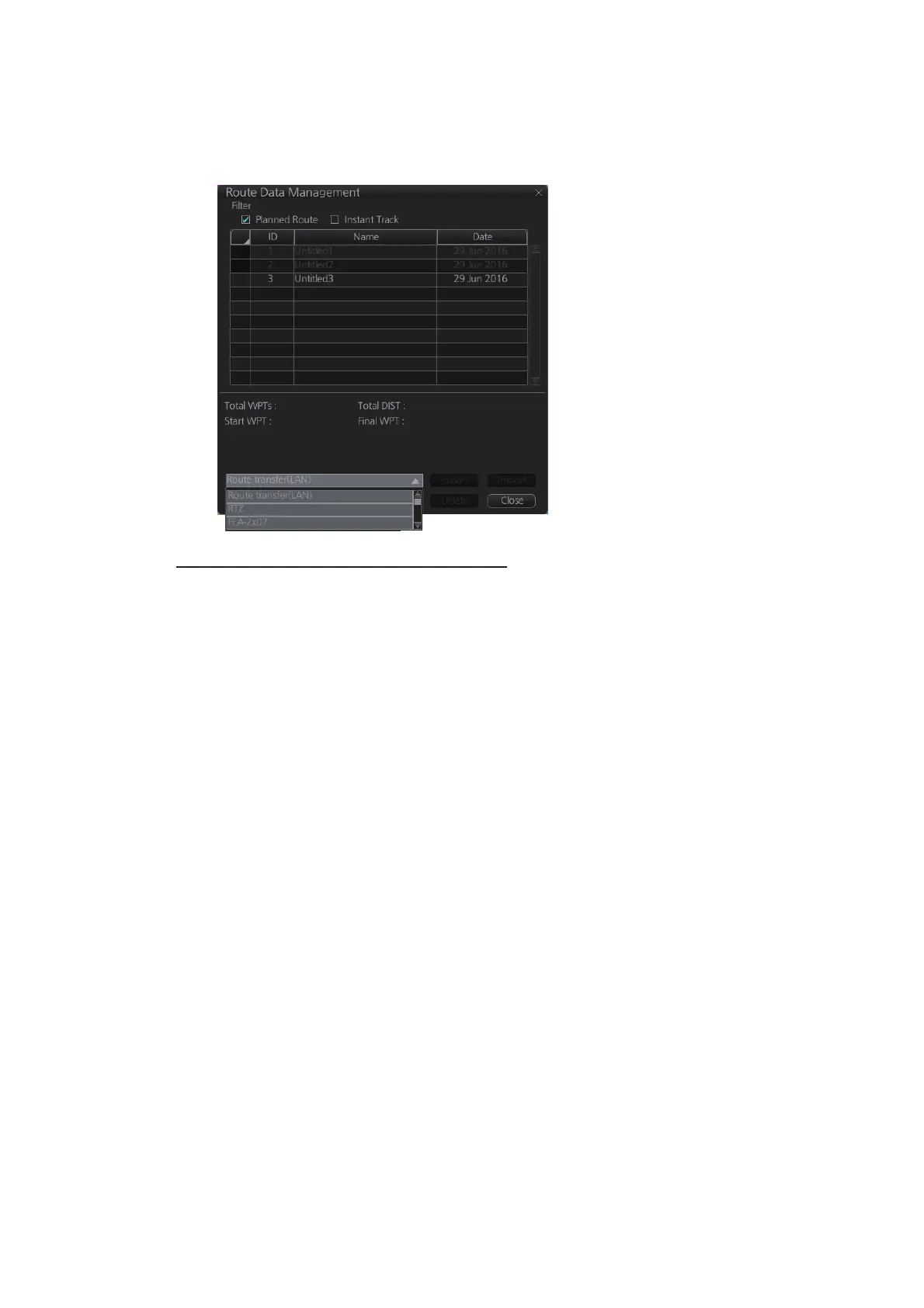
With route transfer selected to ON, the option [Route Transfer (LAN)] is added to
the drop down list box in the [Route Data Management ]dialog box.
How to select the route data to transfer
1. Click the PLAN button on the Status bar to get into the Voyage planning mode.
2. On the InstantAccess bar™, click [Manage Data] and [Route] to show the [Route
Data Management] dialog box.
3. Put a checkmark in the checkbox corresponding to the route data to send.
4. Click the [Export] button to send the route data selected at step 3.



 To Next Page
 Loading...









