12. NAVIGATION TOOLS
12-2
12.2 Parallel Index (PI) Lines
The parallel index lines are useful for keeping a constant distance between own ship
and a coastline or a partner ship when navigating. There are six sets of PI lines (PI-
P6) and you can turn them on or off individually. Select the PI line to process with the
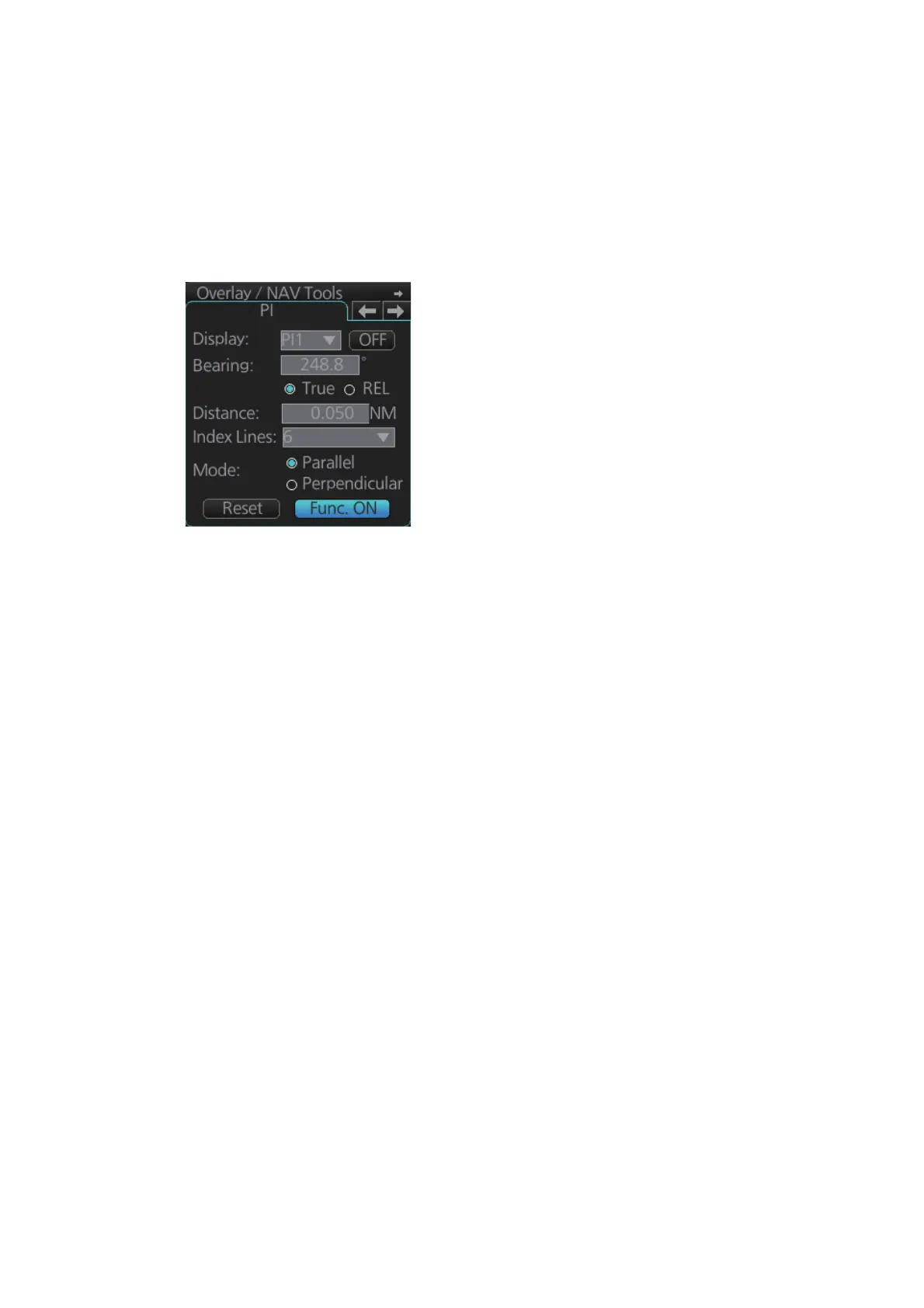
[Display] pull-down list then click the [ON] or [OFF] button as appropriate. One, two,
three or six lines can be shown - the actual number of lines shown depends on the line
interval.
The bearing can be set two ways: with the scrollwheel or dragging the PI line on the
screen.
12.2.1 How to activate, deactivate PI lines
Select the PI line(s) set to activate or deactivate with the [Display] drop-down list. Ac-
tivate or deactivate the set selected with the [ON], [OFF] button.
The [Func. ON], [Func. OFF] button globally activates, deactivates all PI lines selected
to ON.
12.2.2 PI line bearing reference
PI line bearing reference may be relative to own ship’s heading (Relative) or refer-
enced to North (True). Select [True] or [REL] as applicable.
12.2.3 Number of PI lines to display
The maximum number of PI lines to display may be selected from 1, 2, 3 or 6 lines as
below. The actual number of lines visible may be less depending on line interval. Se-
lect the number of lines to display at [Index Lines].
12.2.4 PI line mode
The PI line mode can be set for parallel (0-degrees) or perpendicular (90-degrees).
Select [Parallel] or [Perpendicular] at [Mode].



 To Next Page
 Loading...









