1. INTRODUCTION
1-19
1.19 Tips
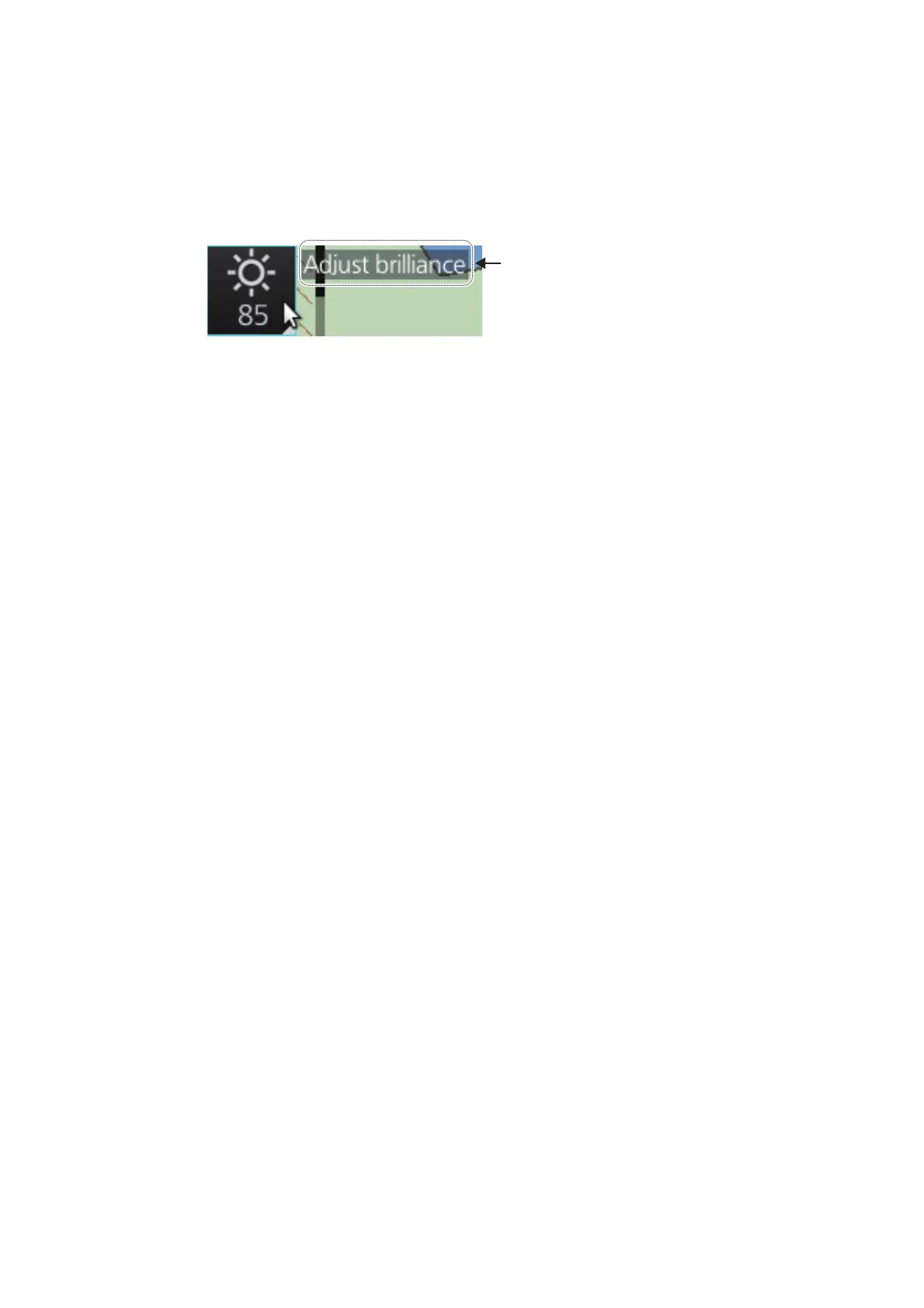
This ECDIS provides operational tips for the display area and the InstantAccess bar™.
To get a tip, simply put the cursor on an object. The tip appears to the right of the ob-
ject. For example, put the cursor on the [BRILL] button on the InstantAccess bar™.
The tip "Adjust brilliance" appears.
1.20 Printer Information
A Hewlett Packard (HP) printer may be connected to the system to print ENC Publish-
er's Notes, reports, logs, etc. The available HP printers are Officejet Pro 8000, Office-
jet Pro 8100, HP Officejet Pro 8210, HP Officejet 100 Mobile and HP Officejet 200
Mobile. No other makes or models are permitted.
1.21 Keyboard
An optional keyboard is available for entry of data. The following keys are inoperative:
• PrtSc/SysRq key
• Pause/Break key
• Insert (NumLk key operative)
• ScrLk (Delete key operative)
• PageUp key
• PageDown key
• Alt key
• Windows key
• Application key



 To Next Page
 Loading...









