2. OPERATIONAL OVERVIEW
2-19
2.4 How to Select the Presentation Mode
There are seven presentation modes available. However, depending on whether voy-
age navigation mode or voyage planning mode is active, some presentations modes
are not available.
*
1
: Available only when a route is being monitored.
*
2
: “TM” not shown in the presentation mode indication.
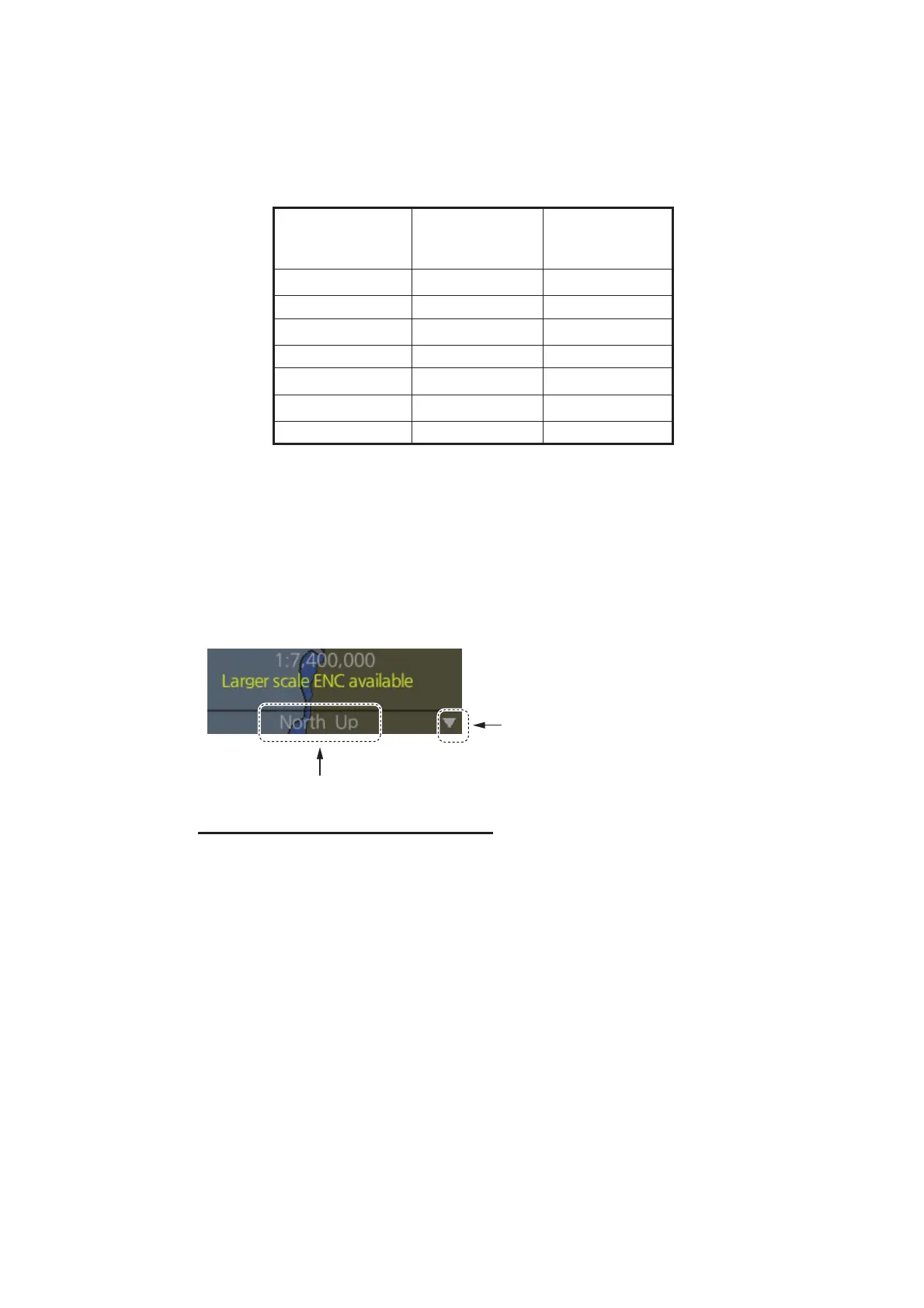
There are two methods to select a presentation mode:
• Click the presentation mode indication to cycle through the presentation modes.
• Click the T indication to show a drop-down list of presentation modes, then click
the mode you want to use.
Description of presentation modes
Presentation
Mode
Voyage
navigation
mode
Voyage
planning
mode
North-up TM Available
Available*
2
North-up RM Available Not available
Course-up TM Available
Available*
2
Course-up RM Available Not available
Route-up TM*
1
Not available
Available*
2
Route-up RM*
1
Available Not available
Head-up RM Available Not available
North-up : North (0°) is the top-center of the screen.
Course-up : Course is the top-center of the screen (at the time of selection).
Route-up : The planned course for a route being monitored is the top-center of the
screen. If route monitoring is disabled, Route-up mode automatically
changes to Course-up mode.
Head-up : Current heading is the top-center of the screen.
TM : True Motion. Own ship mark moves in relation to actual vessel move-
ment, chart is displayed in a fixed orientation.
RM : Relative Motion. Own ship mark is fixed at center of screen, chart
moves in relation to vessel movement.
Presentation mode indication
Click to show drop-down list of
presentation mode choices



 To Next Page
 Loading...









