1. OPERATIONAL OVERVIEW
1-11
1.8 Home Screen (Display Selection)
1.8.1 How to select a display
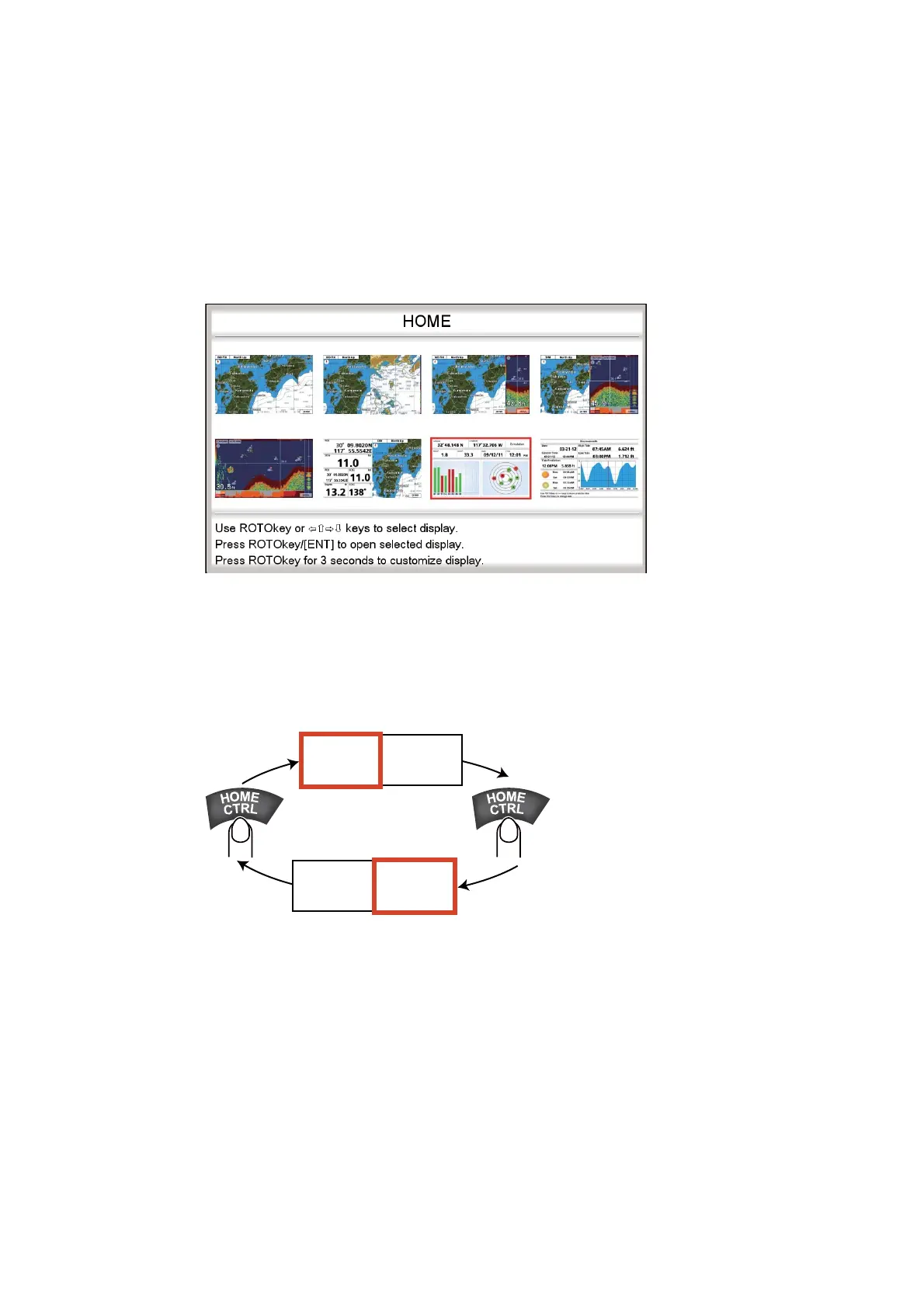
The home screen has eight displays from which to choose. Press the HOME/CTRL
key to show the home screen. Operate the CursorPad or rotate the RotoKey
TM
to
select a display. The current selection is circumscribed with a red rectangle. Press the
RotoKey
TM
or ENT key to confirm your selection.
1.8.2 How to switch the active screen
In multi-split screens, you can switch the active screen with the HOME/CTRL key.
Long-press the key to select the screen to make active. The active screen is circum-
scribed with a red rectangle.
M
CTRL
ACTIVE
ACTIVE
CTRL
AC IVE
ACTIVE
ACTIVE
Long
press
Long
press



 To Next Page
 Loading...











