9. OTHER FUNCTIONS
9-8
9.3.7 How to set the positioning cycle
You can set the positioning cycle. Position is updated faster with the 5Hz or 10Hz set-
ting, however the accuracy may not be as good as with the 1Hz setting. It is recom-
mended to use the 1Hz setting for vessels other than high speed craft.
1. Press the MENU/ESC key to open the main menu.
2. Select [8 System Setting] then [5 GNSS].
3. Select [9 Cycle].
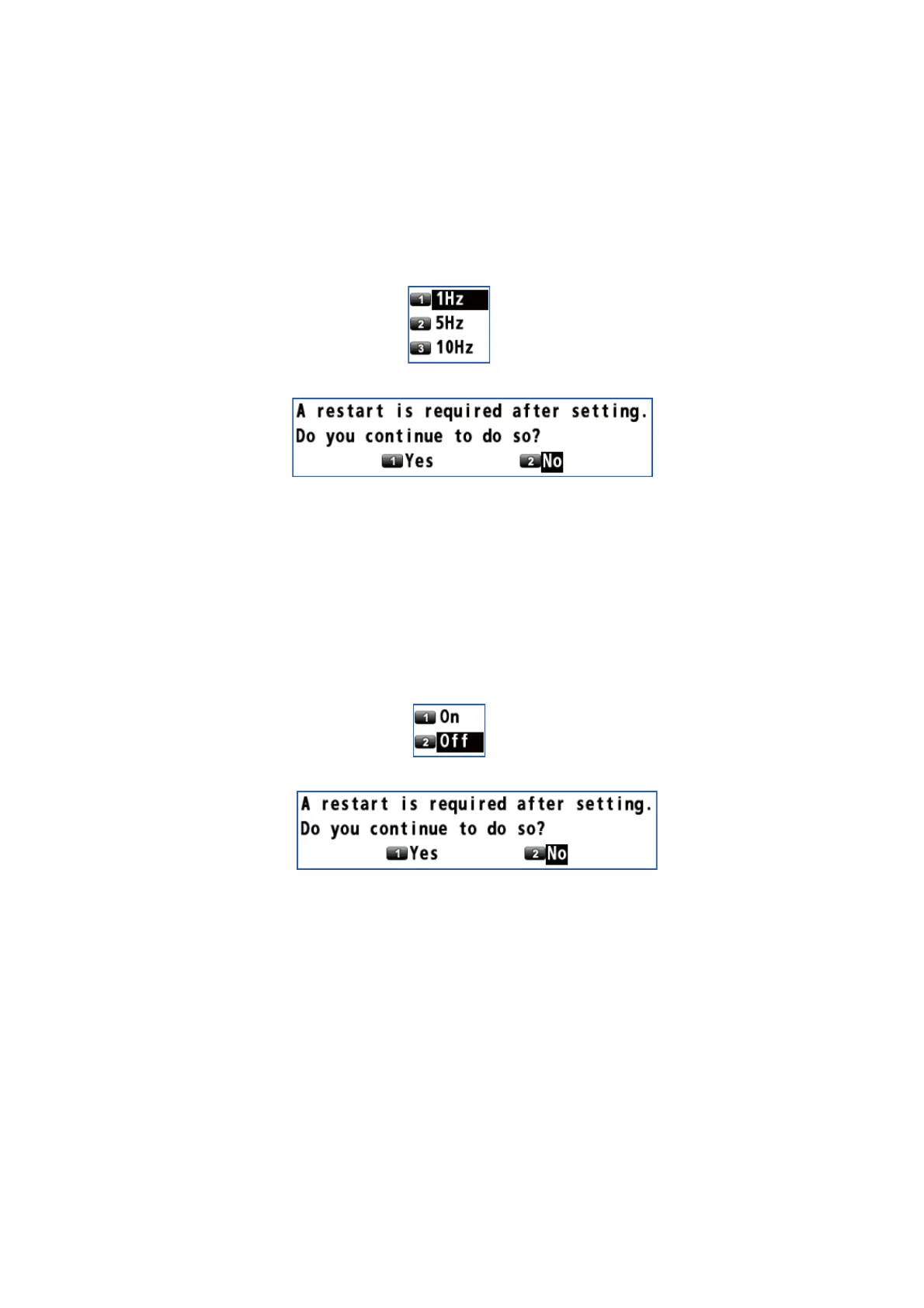
4. Select [1 1Hz], [2 5Hz] or [3 10Hz]. The confirmation message appears.
5. Select [1 Yes]. The GP-170 restarts.
9.3.8 How to turn the anti-multipath mode on/off
You can prevent multipath, reflection of the satellite signal by some object, to prevent
position “jump”.
1. Press the MENU/ESC key to open the main menu.
2. Select [8 System Setting] then [5 GNSS].
3. Select [0 Anti-Multipath Filter].
4. Select [1 On] or [2 Off]. The confirmation message appears.
5. Select [1 Yes]. The GP-170 restarts.



 To Next Page
 Loading...










