9. OTHER FUNCTIONS
9-12
4. Use the cursorpad (S or T) to select ID no. then press the NU/CU ENT key.
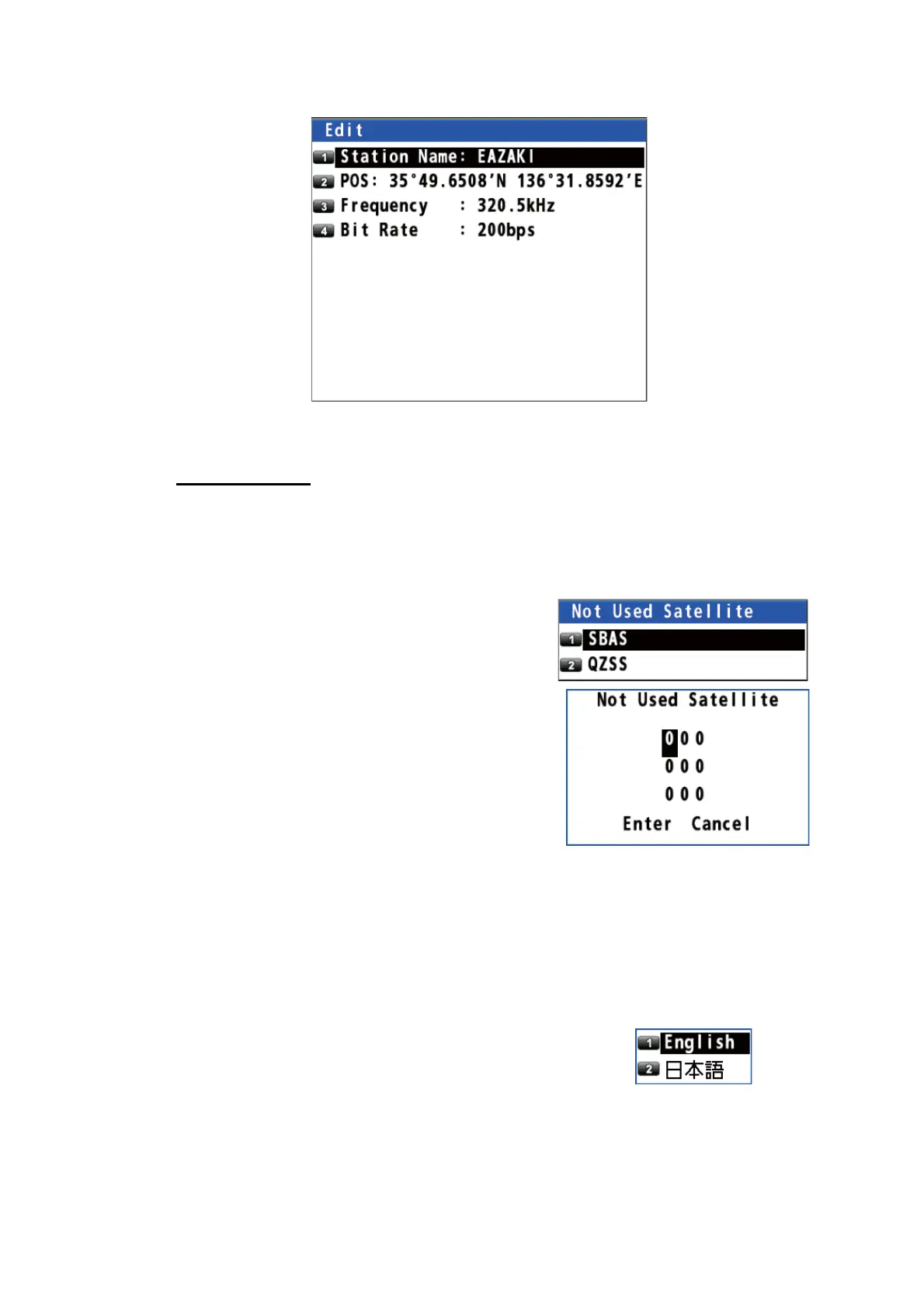
5. Edit the name, position, frequency or bit rate.
6. Press the MENU/ESC key to close the main menu.
Disable satellite
You can disable a maximum of three satellites.
1. Press the MENU/ESC key to open the main menu.
2. Select [8 System Setting] then [6 Beacon/SBAS].
3. Select [6 Not Used Satellite].
4. Select [1 SBAS] or [2 QZSS].
5. Enter the disable satellite numbers with the
numeric keys (setting range: 120 to 138 for
SBAS, 183 to 187 and 193 to 197 for QZSS).
6. Move the cursor to [Enter] then press the NU/
CU ENT key.
7. Press the MENU/ESC key to close the main
menu.
9.5 Language
The available languages are English and Japanese.
1. Press the MENU/ESC key to open the main menu.
2. Select [8 System Setting] then [1 Language].
3. Select a language.
4. Press the MENU/ESC key to close the main menu.



 To Next Page
 Loading...










