5–4
22
22
2 Setting destination by selecting wpt.
3) Press [
]. Each press of the key alter-
nately enables manual entry of waypoint
number and selection of waypoint num-
ber by cursor (through the waypoint win-
dow).
4) Press ▲ or ▼ to select waypoint.
5) Press the [NU/CU ENT] key.
Own ship position becomes starting point and
a dashed line runs between it and the waypoint
selected.
Setting route as destination
Note: Route entered must exist to set it as
destination. The buzzer sounds and the mes-
sage shown in Figure 5-12 appears if you set
enter a route which does not exist.
No route data
Figure 5-12
A route to set as destination may selected
through the route list two ways:
• By entering route number, and
• By selecting route.
1) Press the [GOTO] key.
2) Press [4] to display the Route List. Then,
follow 1 or 2 in the adjacent column.
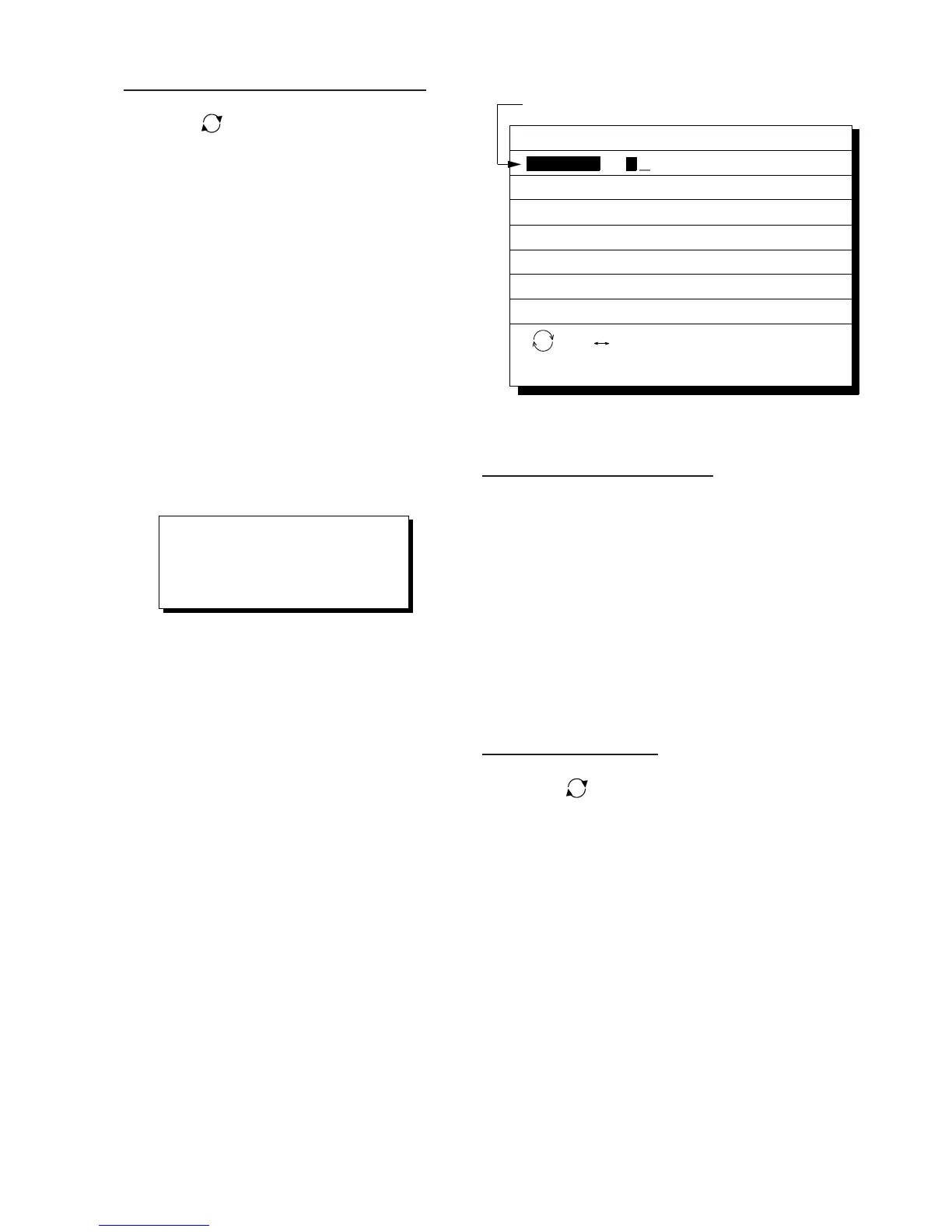
GOTO (Route List)
ENT:Enter
MENU:Escape
Route No.
: No. List
06
No.
01
05
10
02
PTS
30
25
8
30
30
TOTAL
1234. 56nm
234. 56nm
57. 89nm
*
999. 99nm
6543. 21nm
TTG
12D15H28M
2D08H35M
0D10H28M
*
9D23H59M
34D23H45M
tFORWARDs
Route number can be entered here
when this line appears in reverse video.
Figure 5-13 Route list
1 1
1 1
1 By entering route number
3) Press t or s to select direction which
to traverse the route waypoints; forward
or reverse.
4) Enter route number.
5) Press the [NU/CU ENT] key.
Current position becomes starting point. A
solid line connects between the starting point
and first route waypoint and a dashed line
connects all other route waypoints.
22
22
2 By selecting a route
3) Press [
]. Each press of the key alter-
nately enables manual entry of route num-
ber and selection of route number (through
the route window)
4) Press ▲ or ▼ to select route.
5) Press t or s to select direction in which
to traverse the route waypoints; forward
or reverse.
6) Press the [NU/CU ENT] key.
Current position becomes starting point. A
solid line connects between the starting point
and first route waypoint and a dashed line
connects all other route waypoints.



 To Next Page
 Loading...












