8. INSTALLATION
8-27
How to set the cosmetic caps and alarm lid assembly
Set a cosmetic cap to each fixing hole on the front panel as shown in the illustration
below.
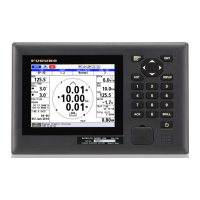
For the display unit to be used as a sub display, attach the alarm lid (supplied as ac-
cessories) to the ALARM ACK key to prevent accidental operation of the key.
8.5.2 Menu settings for DS-600
Set up for use with the DS-600 from the Service menu.
How to use the Service menu
1. Press the PWR key while pressing the DISP key to turn the power on.
Note: Press and hold the keys until two beeps sound.
The start-up screen appears for 90 seconds then the service menu appears.
2. Use S or T to select a menu item then press the ENT key to show the setting
window.
3. Use S or T to change the setting then press the ENT key. To return to the menu,
press the MENU ESC key.
Alarm lid assembly
(For sub display only)
Attach the double-sided tape
to the reverse side of the lid,
and attach the lid here.
Set cosmetic cap to hole so cap is flush with panel.


 To Next Page
 Loading...