8. INSTALLATION
8-28
4. Repeat steps 2 and 3 to complete the setting. For items to be set at the installa-
tion, see the table at the top of the next page.
5. Press the PWR key to turn the power off.
How to set the displays
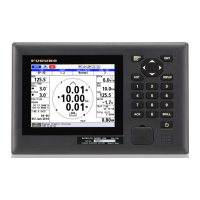
The DS-600 is preset with five displays as below:
• DISP1: Navigation data
• DISP2: Berthing (Head-up)
• DISP3: Heading and speed
• DISP4: Trip distance and total distance
• DISP5: Speed analog data (sub display only)
Only two berthing displays (for head-up and north-up) are available on the display unit
DS-600 connected to the GS-1002. Set the displays as follows:
1. Press the MENU ESC key to open the menu.
2. Select [Display] then press the ENT key.
Menu item Meaning Option (bold: default)
[Operation] Select [Main] or [Sub].
(For the display unit con-
nected to the GS-1002, se-
lect [Sub].)
[Main], [Sub], [Satellite]*
*: Sub display shared be-
tween the GS-100 and the
DS-60
[SIO Monitor] Monitor the serial signal input to the display units (main
and sub).
[L/L digit] Set the number of digits to
show for the minutes indi-
cation in latitude and longi-
tude position.
[3digit], [4digit]
Others For the serviceman. No use in installation.


 To Next Page
 Loading...