8. INSTALLATION
8-29
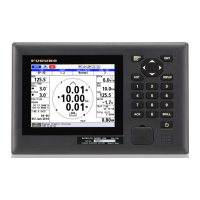
3. Select [DISP1] or [DISP2] then press the ENT key.
4. Select the full screen then press the ENT key.
5. Select the orientation of the berthing display, [Berthing H Up] or [Berthing N Up],
then press the ENT key.
6. Set [DISP3] to [DISP7] as blank (no display), following steps 3 to 5.
7. Press the DISP key to close the menu.
Full screen
Two-way horizontal split screen
Blank (no display)*
*: Not available with DISP1.
Berthing (Head-up)
Berthing (North-up)
56.0


 To Next Page
 Loading...