1. OPERATIONAL OVERVIEW
1-3
1.2 How to Turn the Power On/Off
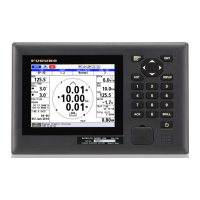
Press the key to turn the display unit on. The start-up screen appears for 30 sec-
onds then the screen set at the [6 Device Mode] menu (see paragraph 8.3.2) appears.
Note: The screen refreshes slower in low ambient temperature.
To turn the display unit off, press the key.
Antenna unit power is turned on/off at the ship's mains.
Self test
results
Start-up screen
SDME mode THD mode
2051552-03.xx
48505230xx
2051591-01.xx
GNSS
GN 3D
-
GN 3D
-


 To Next Page
 Loading...