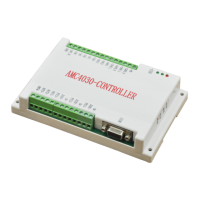
User Manual of AMC4030 Motion Controller
(1)
Download the driver installation package at the official website address:
http://www.fuyuautomation.com/ or contact our sales representative. The file is named as
“ CH341SER.rar ”。
(2)
Extract the software and run the installation setup, as shown below, click the button
"install"
。
Chart 2-4-1
(3)
After installation is complete, click "OK" to complete the driver installation
(4)
Open the device manager, double click "port (COM and LPT)", as shown in the red
box, then the installation is successful.
Charter 2-4-3


 To Previous Page
 Loading...