Functions
2
OPERATION GUIDELINE
description of all systems of the vehicle model.
Support one-click code clearing of all systems.
Display data stream with oscillogram.
●
●
●
●
●
●
●
●
●
●
Support engine / ABS / Tire pressure / Anti-theft and
other systems.
Read system information.
Read fault code.
Clear fault code.
Read data stream.
Read freeze frame data.
Actuator test.
Service function (including idle speed regulation /
throttle position learning, etc.).
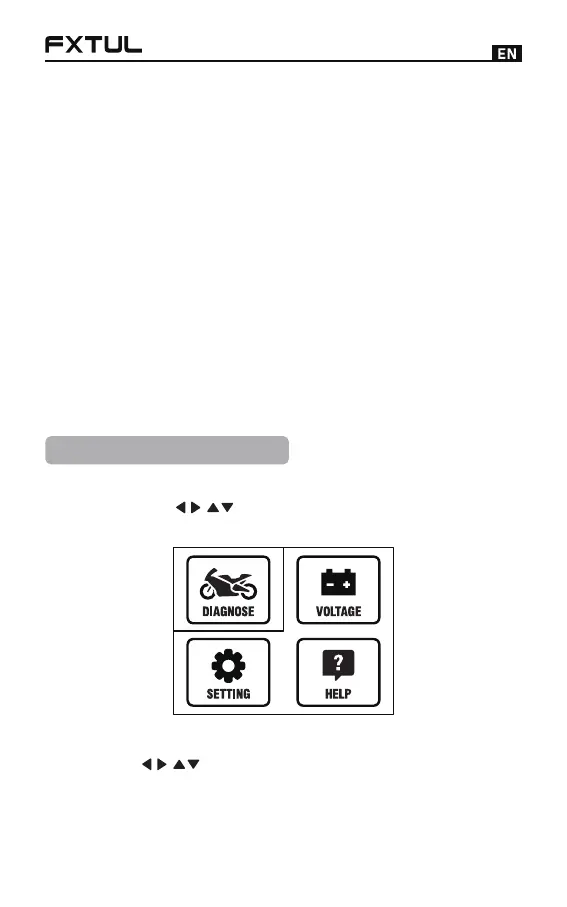
Brand Model Selection
Press the [ ] key to select the diagnostic icon,
and press the [OK] key to select the model brand.
●
Mode Selection
Press [ ] to select the vehicle brand, and press
[OK] to enter the diagnosis mode selection. There are
●



 To Next Page