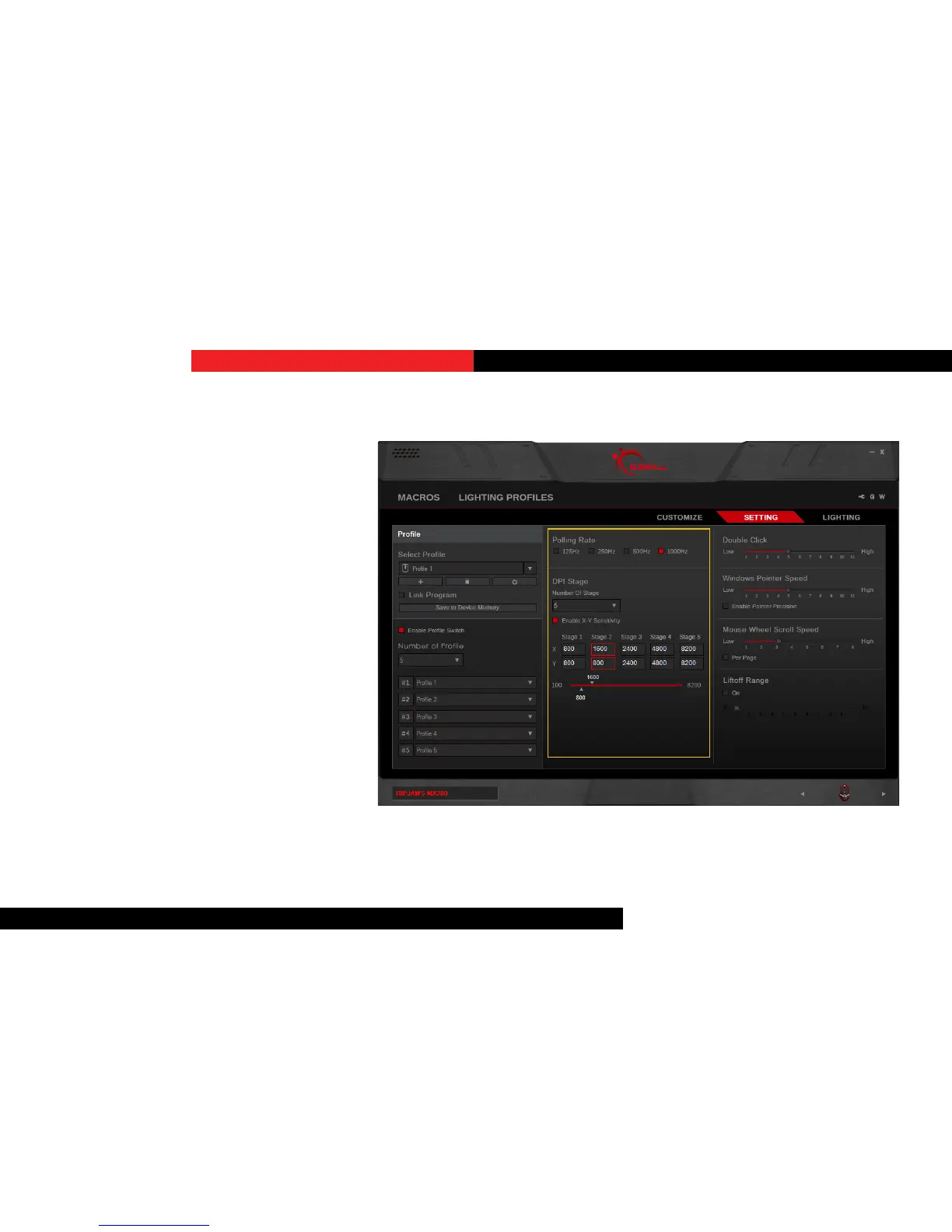
PollingRate
Click to select the desired polling rate of
your device. A higher number indicates a
faster polling rate.
DPIStage
Set the number of DPI stages you would
like to switch through in the selected
prole. The mouse is capable of switching
through up to 5 stages.
Click on “Stage #” to select a DPI stage
and then either drag the slider or type
in a number in the corresponding box to
adjust the DPI.
The X-axis and Y-axis DPI values may be
independent. To enable, check “Enable
X-Y Sensivity”, then drag the top slider
to adjust the X-axis and boom slider to
adjust the Y-axis DPI value.
Setting


 To Next Page