EasyManua.ls Logo

G6 BT Interphone - Selecting Intercom Riders

G6 BT Interphone
16 pages
Print Icon
To Next Page IconTo Next Page
To Previous Page IconTo Previous Page
Loading...
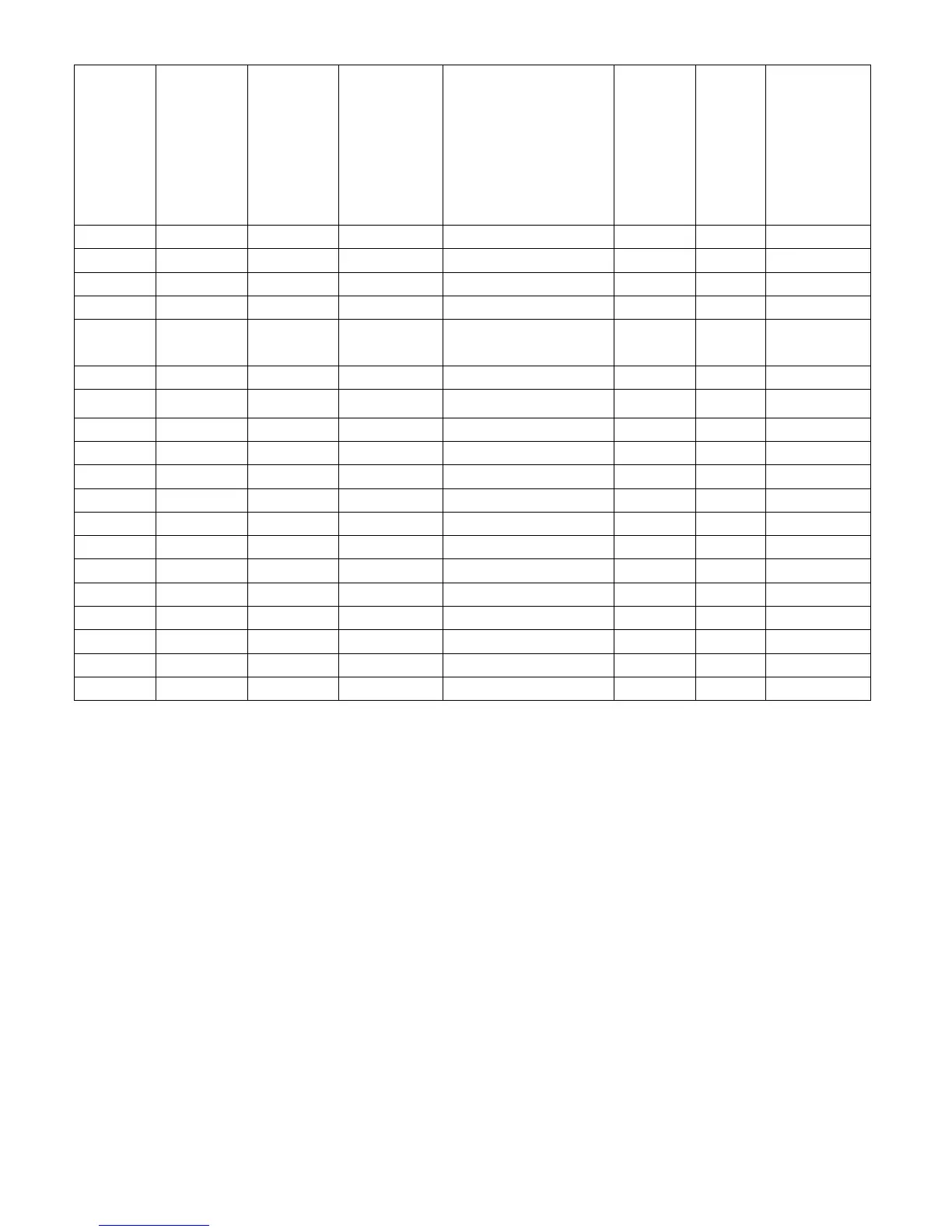
To get all pairing details, please refer to below pairing chart,
INTERPHONE
PAIRING
BUTTON
STATUS
BEFORE
PAIRING
WHEN RED AND
BLUE LED FLASH
ON BOTH
UNITS,SHORT
SHORTSHORT
SHORT
PRESS BELOW
BUTTON ON LEFT
UNIT
<
<<
<---
------
---pair each other
pair each otherpair each other
pair each other---
------
--->
>>
>
INTERPHONE
PAIRING
BUTTON
STATUS
BEFORE PAIRING
unitA B powered on
B <
<<
<---
------
---pair each other
pair each otherpair each other
pair each other---
------
--->
>>
>
unitB POWER/A
powered off
unitA C powered on
C <
<<
<---
------
---pair each other
pair each otherpair each other
pair each other---
------
--->
>>
>
unitC POWER/A
powered off
unitA D powered on
D <
<<
<---
------
---pair each other
pair each otherpair each other
pair each other---
------
--->
>>
>
unitD POWER/A
powered off
unitA E powered on
E <
<<
<---
------
---pair each other
pair each otherpair each other
pair each other---
------
--->
>>
>
unitE POWER/A
powered off
unitA POWER/A
powered
off
POWER/A <
<<
<---
------
---pair each other
pair each otherpair each other
pair each other---
------
--->
>>
>
unitF POWER/A
powered off
unitB C powered on
C <
<<
<---
------
---pair each other
pair each otherpair each other
pair each other---
------
--->
>>
>
unitC B powered on
unitB D powered on
D <
<<
<---
------
---pair each other
pair each otherpair each other
pair each other---
------
--->
>>
>
unitD B powered on
unitB E powered on
E <
<<
<---
------
---pair each other
pair each otherpair each other
pair each other---
------
--->
>>
>
unitE B powered on
unitB B powered on
B <
<<
<---
------
---pair each other
pair each otherpair each other
pair each other---
------
--->
>>
>
unitF B powered on
unitC D powered on
D <
<<
<---
------
---pair each other
pair each otherpair each other
pair each other---
------
--->
>>
>
unitD C powered on
unitC E powered on
E <
<<
<---
------
---pair each other
pair each otherpair each other
pair each other---
------
--->
>>
>
unitE C powered on
unitC C powered on
C <
<<
<---
------
---pair each other
pair each otherpair each other
pair each other---
------
--->
>>
>
unitF C powered on
unitD E powered on
E <
<<
<---
------
---pair each other
pair each otherpair each other
pair each other---
------
--->
>>
>
unitE D powered on
unitD D powered on
D <
<<
<---
------
---pair each other
pair each otherpair each other
pair each other---
------
--->
>>
>
unitF D powered on
unitE E powered on
E <
<<
<--
----
---
--
-pair each other
pair each otherpair each other
pair each other---
------
--->
>>
>
unitF E powered on
3
Choose which rider you will talk with
Pairing these riders seems a bit complicated, but using the intercom is very simple
After you have paired with all the G6s (you also could only pair with1-4 riders), then you will can talk with one
of the riders at a time.
STEP:
after finishing the pairing procedure, confirm that all of G6s have been powered on.
Initiate an intercom call (a short press one of intercom key A, B, C, D, E on your
G6
), and then you can talk
with one of other riders.
For example:
A short press(< 1 second) the C Key, promptly release your hand, you will hear a beep “di”,
then wait about 3-5 seconds you could talk with rider C. if then you short press the E key, it will change the
communication to talk with rider E.
Tips: Talk with unit F
Because there is not F key on the unit, so the way of calling unit F is different:
Short press A key on unit A, you will talk with F. Short press B key on unit B, you will talk with F.
………Short press E key on unit E, you will talk with F.
Finish an interphone talking
You only need a short press of same one of the intercom (A, B, C, D, E) key, to terminate communications
Note: to reduce power consumption, when you do not need to talk, don't keep your G6 on intercom state in a long time
-------------------------------------------------------------------------11--------------------------------------------------------------------------