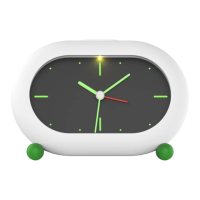
1. Snooze Button
2. Sleep Sound Timer
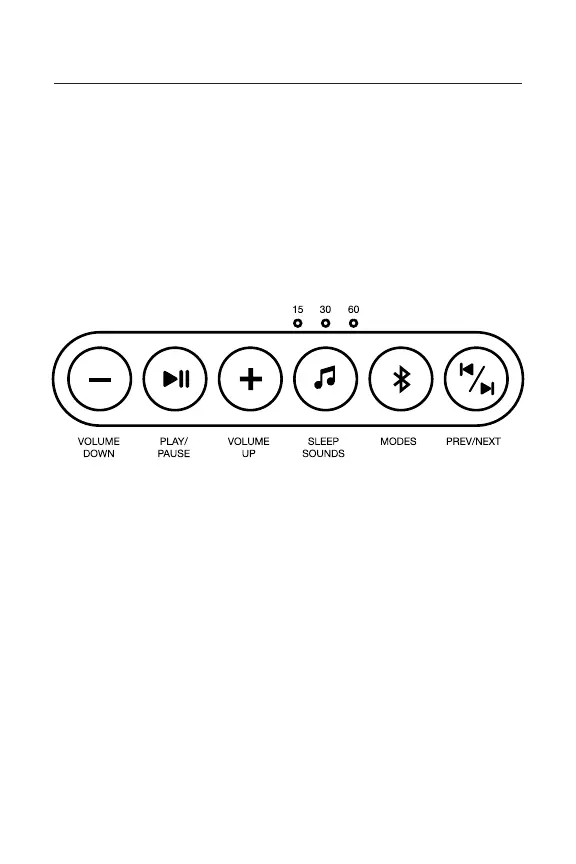
3. Button Controls
4. Alarm Knob
5. Time Knob
6. Power Switch
1. Volume Down: Press to decrease volume
2. Pause / Play: Press to pause or play the music
3. Volume Up: Press to increase volume
4. Sleep Sounds: Press to turn on sleep sounds;
press again to set sleep sounds timer to 15, 30, or
60 minutes, respectively
5. Modes: Press to switch between modes (FM
Radio Mode, Bluetooth
®
Setup, Snooze Sound
Setup, Alarm Song Setup)
6. Previous / Next: Press once to skip to the next
track. Press twice to return to the previous track
7. USB Charging Port
8. Micro USB Clock
Charging Port
9. AUX In
10. Reset Button
11. Alarm Switch
Product Overview (continued)
Button Controls


 To Next Page