《English》
Thank you for choosing the EROS E3 gaming headset by GAMDIAS™.
System Requirements
● Windows ® XP/ Vista / 7 / 8 / 10
● PC with USB + 3.5mm Stereo
Package Contents
● GAMDIAS™ EROS E3 Gaming Headset
Hardware Installa�on
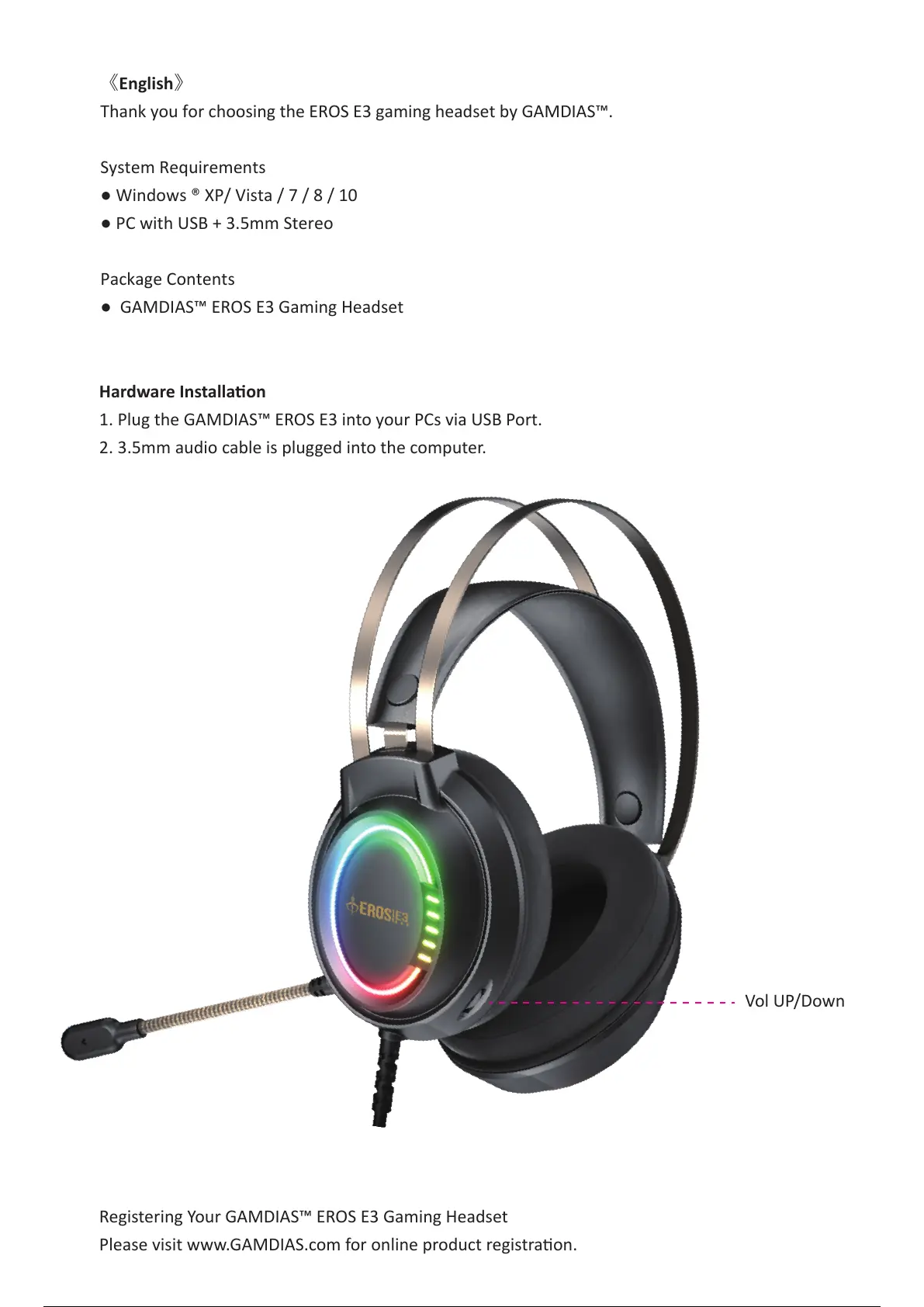
1. Plug the GAMDIAS™ EROS E3 into your PCs via USB Port.
2. 3.5mm audio cable is plugged into the computer.
Registering Your GAMDIAS™ EROS E3 Gaming Headset
Please visit www.GAMDIAS.com for online product registra�on.
E 3
Vol UP/Down
3 / 5



 To Next Page