Step 3
Step 4
CONNECTION(ANDROID)
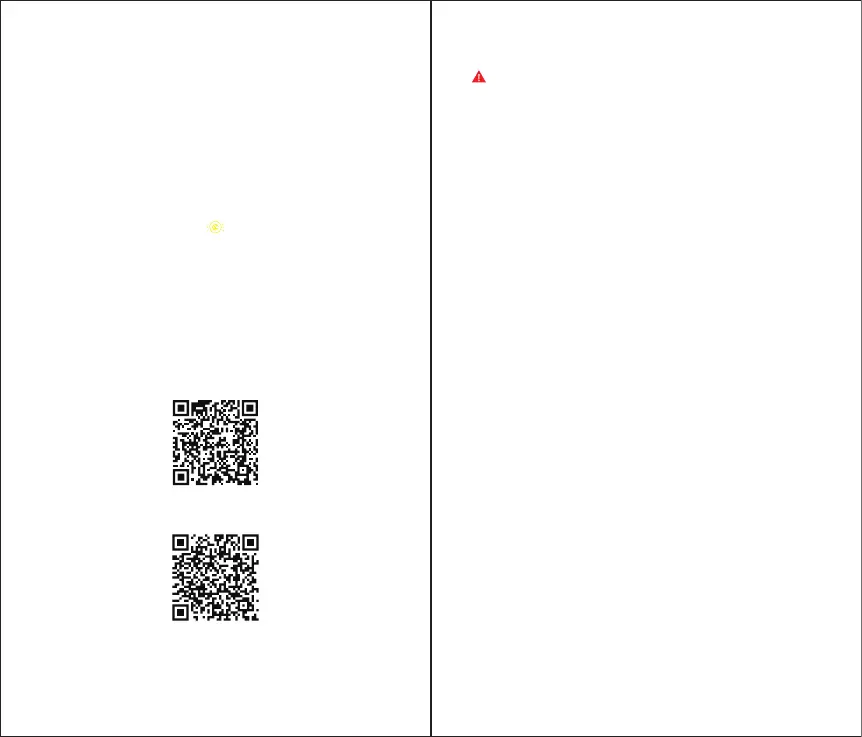
Scan the QR code and download the GameSir World App for Android
Turn on the Bluetooth on mobile phone.
Step 1
Step 2
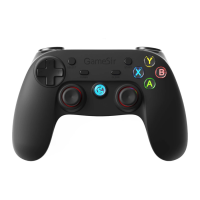
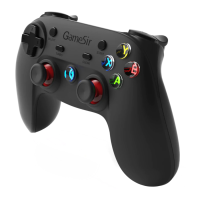
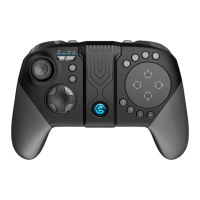
GameSirG5コントローラー
Micro-USBケーブル
取扱説明書
iOS9.0(以降)
Android8.0(以降)
日本語
パッケージ 内 容
システム 要 件
登録による特典
12ヵ月のメーカー限定保証
https://gamesir.hk/でのマニュアルの閲覧と無料オンラインテクニカ
ルサポート(英語/日本語対応)
サポートメールアドレス:supportjp@gamesir.hk
ユーザー登録
https://gamesir.hk/にてGameSirIDを作成して、ご購入の製品を登録
すると、当製品の品質保証の状態に関するリアルタイム情報と、
GameSir会員専用のメリットを得ることができます。
ご注意:最初に使用する前に、GameSirG5コントローラーを完全
に充電してください。
a. Press 1 + Power button to turn on G5 gamepad, the logo
indicator light flashes yellow .
b. Open GameSir World app, select <Connect> option to connect,
and the logo indicator light will stay after the connection is
successful.
Open GameSir World app, find and add the game, click the game
icon to pop up the start option, select <G-Engine Start> to start the
game.
GameSir World App(for Android)
G5 Tutorial for Android


 To Next Page