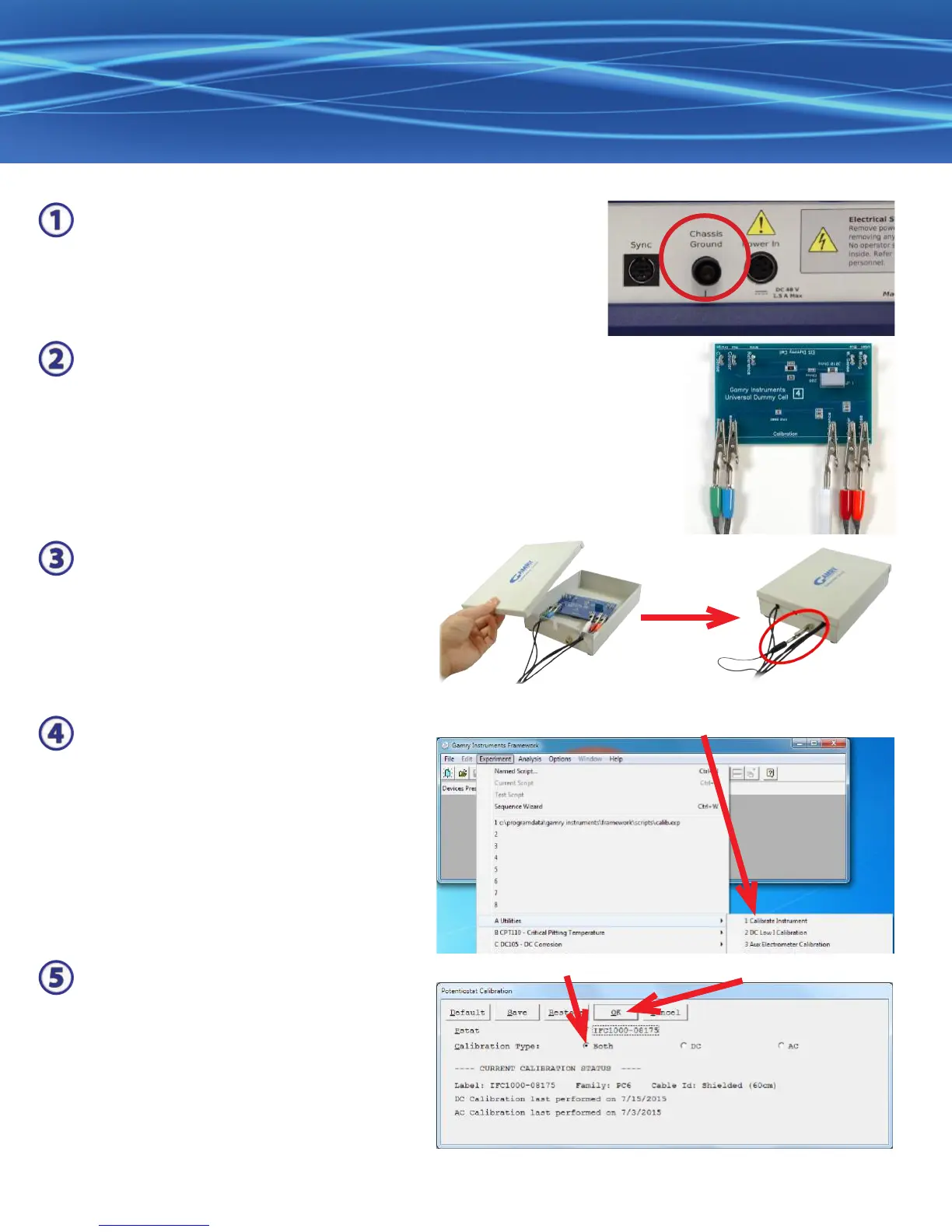
When possible, connect the Chassis Ground on the back of your
potentiostat to a known, good earth ground.
Connect the cell cable to the Calibration side of the UDC4 dummy cell
included with your instrument.
Place the dummy cell inside the Calibration
Shield, close the lid, and connect the black
oating-ground lead of your cell cable to the
Shield’s grounding post.
Choose your potentiostat. Select the radio button for calibration type Both, and click the OK button.
Open Gamry Framework™. Select Experiment > Utilities > Calibrate Instrument
After you conrm several instructional
messages, the calibration proceeds
automatically, and you are notied if the
calibration is successful.
(Even though AC calibration for the
Interface™ 1000 is performed at the
Factory, be sure to click the Both radio
button.)


 To Next Page