Attaching and Removing Propellers:
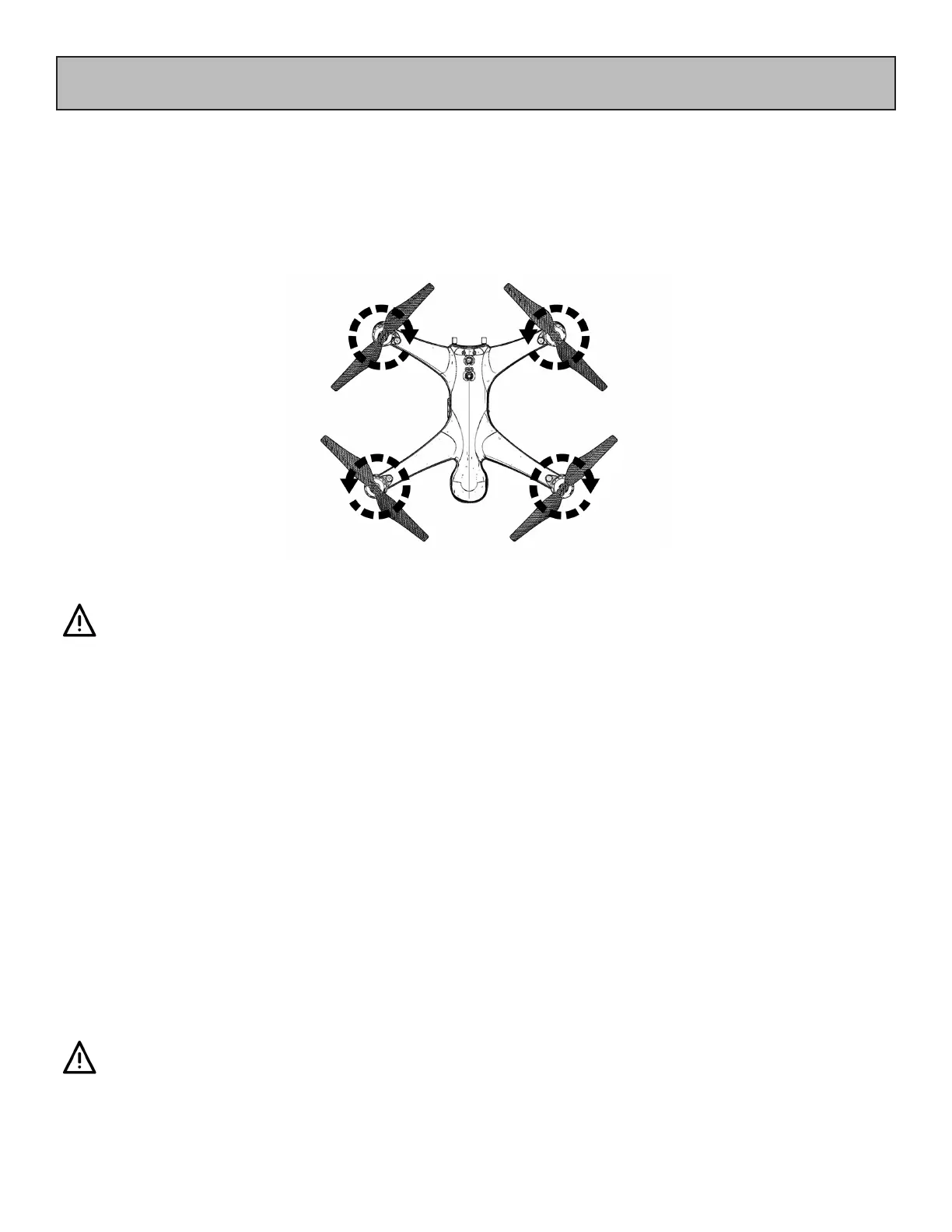
1. Check that the propeller rotation (CW or CCW) matches the motor hub. is is the normal
direction the propellers spin during ight.
2. Rotate the propeller on the hub until it stops, then turn the propeller 1/16th of a turn
in the same direction to lock it.
3. Check the propeller is completely locked by holding to motor hub rmly
and ensuring that the propeller cannot be turned.
4. To remove propellers, support the motor with one hand and turn the propeller in the oppo-
site direction.
e blades are sharp, please be careful to avoid accidental cutting or scratches.
Prior to each ight, please check that the propellers are smooth all over and are
correctly installed and securely fastened.
Propellers
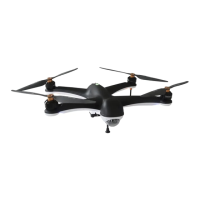
e Gannet Pro / Pro+ has two pairs of propellers - two clockwise propellers and two
counter-clockwise propellers. e hub of each motor is marked with a circle to indicate the
propeller used for that motor. Propellers cannot be attached to the wrong motor by accident.
When installing or removing the propellers, place one hand
under the motor to support it when installing or removing
propellers.
Failure to provide this support could result in bending or
breaking the landing gear.


 To Next Page
 Loading...