94
GB
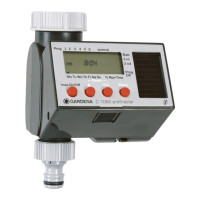
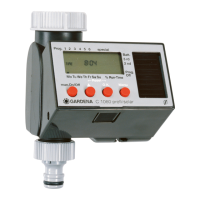
1. Press Menu-key twice
(not necessary if the current time and day of the week
has been entered).
Program memory setting
1
flashes.
2. Only if the Automatic Water Distributor is used:
Select special-function with the ▲-key and confirm with
the O.K.-key (continue with step 4).
Program memory setting
1
is selected automatically,
ssttaarrtt ttiimmee
and the hours section flash on the display.
3. Select program memory setting with the ▲-key
(example: Prog. 3 ■ program 3) and confirm with the
O.K.-key.
ssttaarrtt ttiimmee
and the hours section flash on the display.
4. Set the hours for starting the watering time with the ▲-key
(example:
66
hours) and confirm with the O.K.-key.
ssttaarrtt ttiimmee
and the minutes section flash on the display.
1.
2.
3.
4.


 To Next Page
 Loading...