103
GB
7. Cleaning
The filter should be checked regularly and cleaned when
necessary.
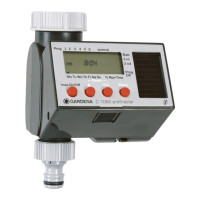
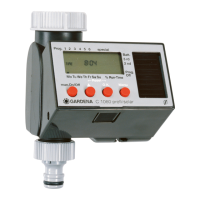
1. Unscrew sleeve nut
L
of the Water Computer by hand
from the tap thread (do not use pliers).
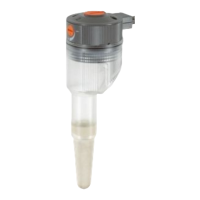
2. Remove filter from sleeve nut
L
and clean.
3. Screw sleeve nut
L
of the Water Computer back on to the
thread of the tap by hand (do not use pliers).
Clean filter:
L
8. Trouble-Shooting
Fault Possible Cause Remedy
No display appears Battery inserted incorrectly. v Check polarity markings
match (+/–).
Flat battery. v Insert new (alkaline) battery.
v Check function by operating
manually (man. On/Off).


 To Next Page
 Loading...