3
2
MS-3 Instructions
• Power On/Off—Press and hold power button ( ) for 1 second to switch
headphones ON or OFF. Headphones will automatically switch off after 60
minutes of inactivity.
• Volume—Use one-handed control on MS-3 to adjust the signal level.
Metal detectors with built-in volume controls should be adjusted to
maximum signal levels.
• Pairing—MS-3 Wireless Headphones are designed to pair with any Z-Lynk
transmitter. Follow the pairing instructions provided with the transmitter.
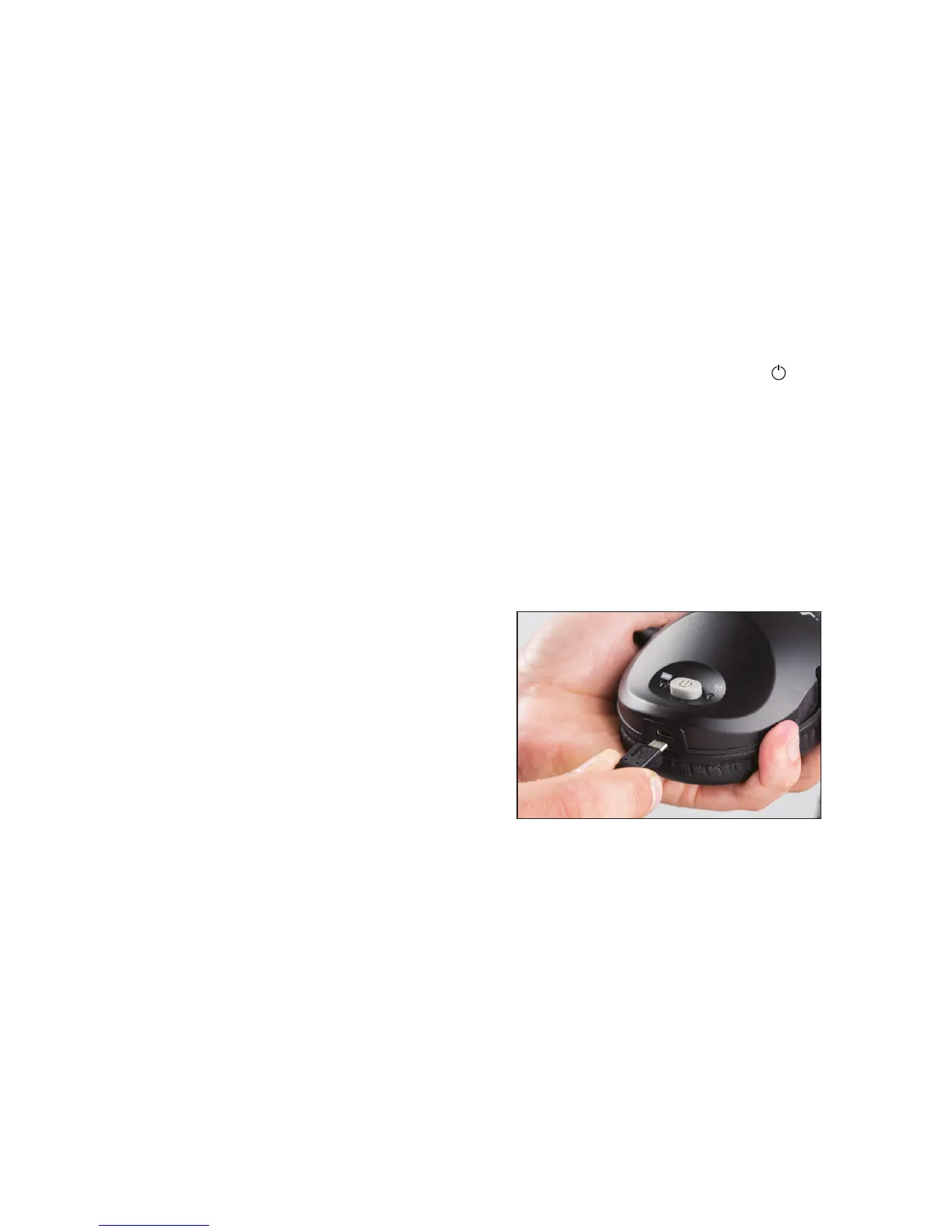
• Recharging—Plug the supplied charging cable into the MS-3 headphones
and any standard USB port to recharge. Headphones will completely
recharge in five hours.
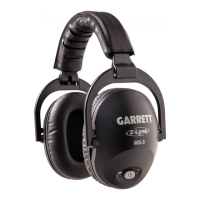
Garrett MS-3 Wireless Z-Lynk Headphones
• Designed for use with all Garrett Z-Lynk equipped detectors and
transmit modules.
• Volume Control. Adjust signal level to suit individual hearing requirements
and enhance weak signals.
• Padded ear cushions block external sounds.
• Padded headband. Comfortable and snug to stay in place, adjusts to t a
broad range of users.
• Durable and folds for easy storage.
• Includes MS-3 Headphones and USB charging cable.
Specications
Model Number: 1627710
Audio Delay: 17 milliseconds (6x faster than Bluetooth®)
Audio Bandwidth: 30-18,000 Hz
Operating Frequency: 2.4 GHz band frequency hopping, prevents crosstalk
Auto power o: After 60 minutes of non-use
Environmental: IP52–protected against light rain.
Do not submerge.
Battery Life: Up to 30 hours operation. Recharges in 5 hours
or less.
Weight: 12 oz. (340 g.)
Warranty: 2 year, limited parts and labor
Certications: FCC, CE, IC, AS/NZ


 To Next Page
 Loading...