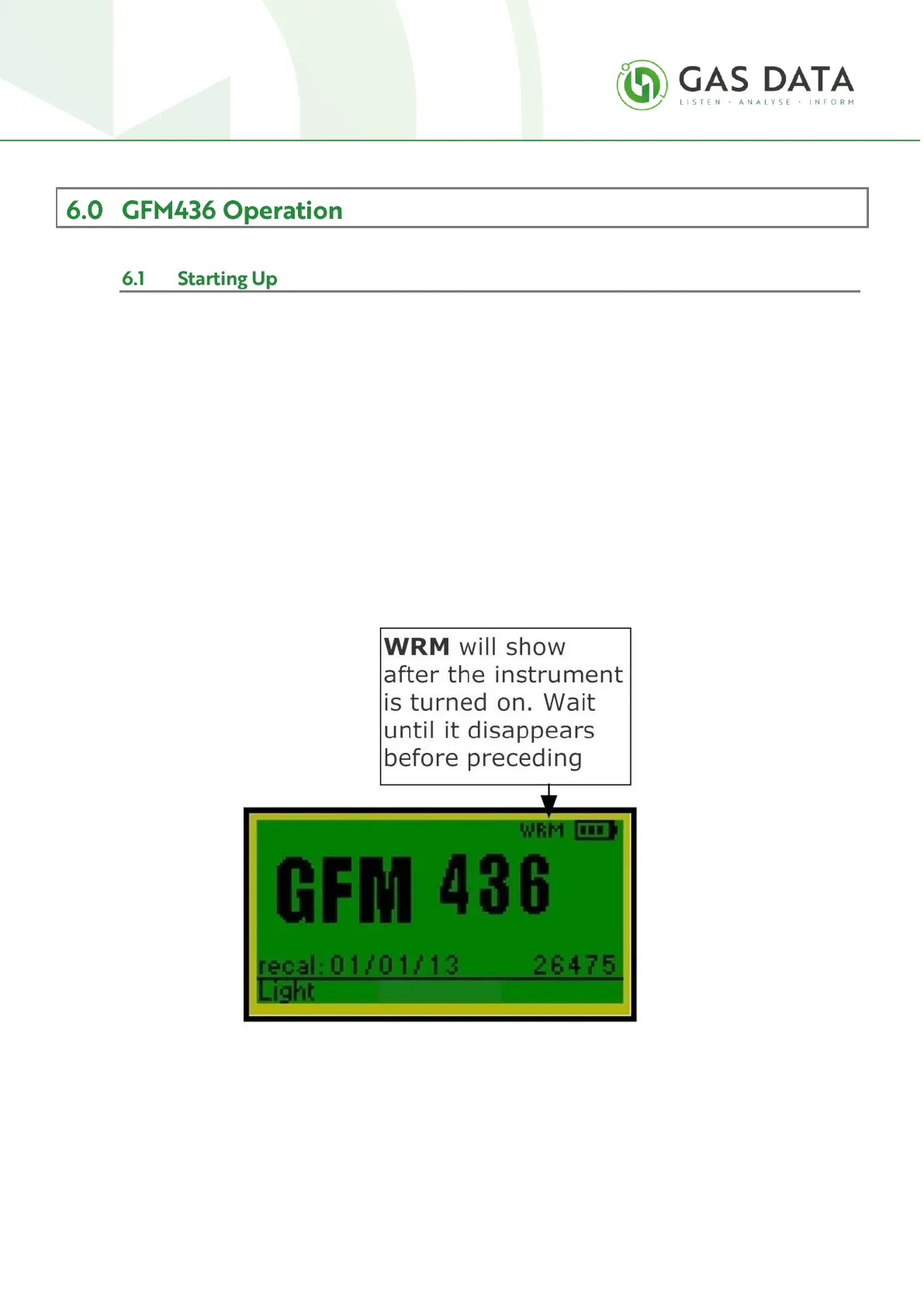
When turned on the instrument will take a few seconds to boot up. During this time a “loading” banner
will be displayed.
After booting up the instrument commences a warmup period. This is to allow all the sensors to
initialise. During this period the letters “WRM” appear in the top right-hand corner of the display as
shown. Please wait until WRM disappears before proceeding.
Also in the top right-hand corner is the battery charge indicator. Three bars indicate fully charged, two
bars is three-quarters charged, one bar is half charged and no bars is quarter charged or less.



 To Next Page