14
www.gateway.com
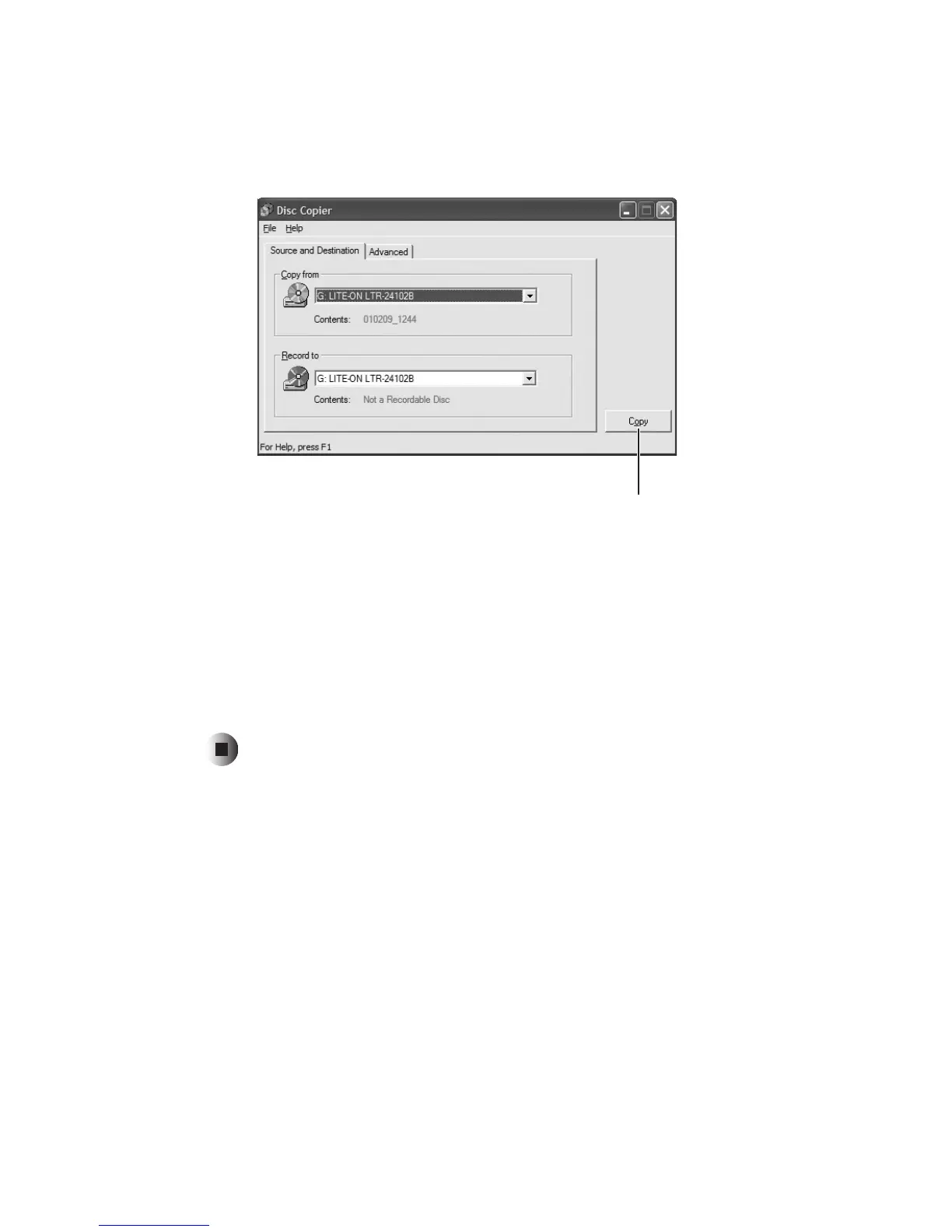
4 Move your pointer over CD copier, then click CD copier. The Disc Copier
window opens.
5 On the Source and Destination tab, click the arrow button to open the Copy
from
list, then click the recordable drive.
6 Click the arrow button to open the Record to list, then click the recordable
drive.
7 Click Copy. CD Copier copies the information on the source CD or DVD
to your hard drive, prompts you to insert the blank CD or DVD, then copies
the information from the hard drive to the blank CD or DVD.
Copy



 To Next Page