16
www.gateway.com
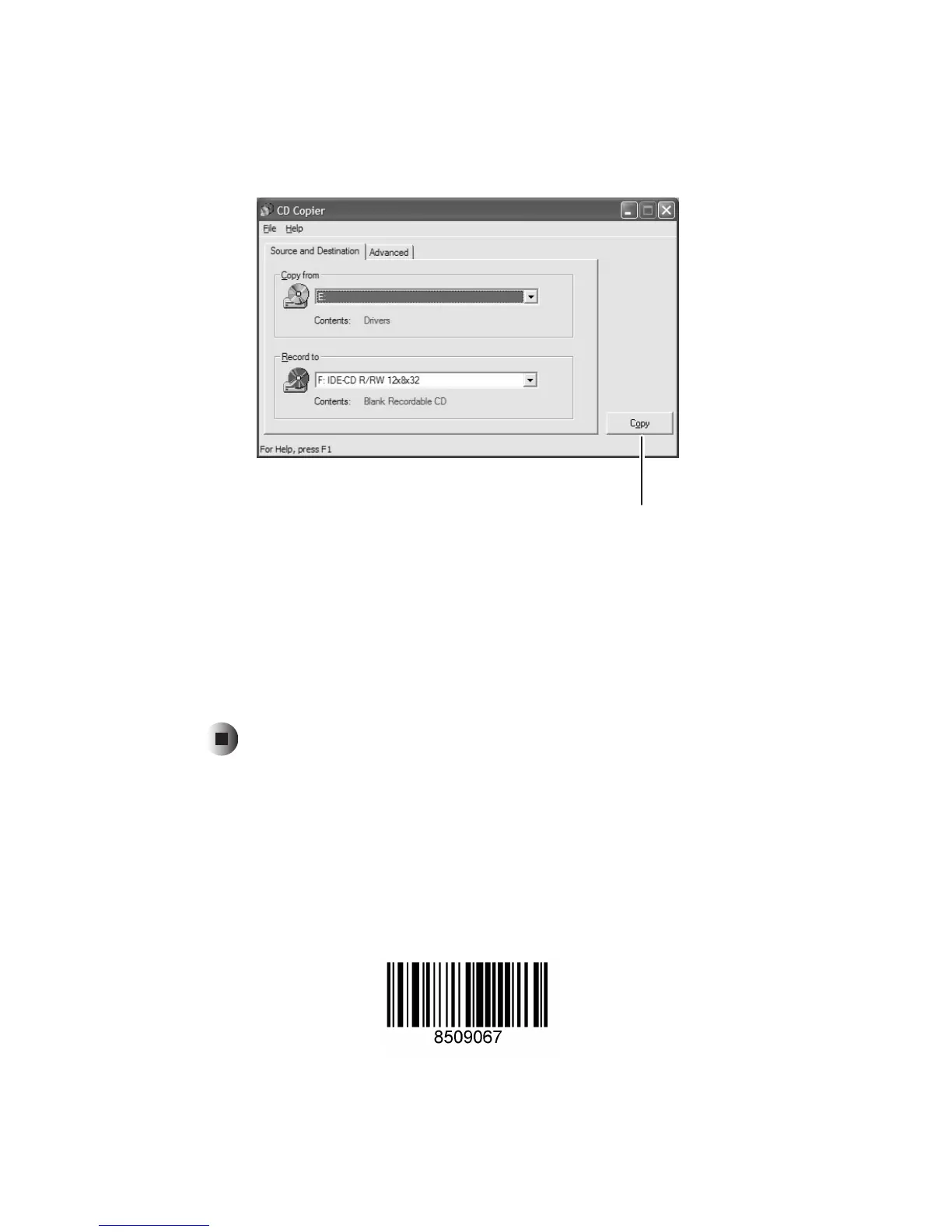
5 Move your pointer over CD copier, then click CD copier. The CD Copier
window opens.
6 On the Source and Destination tab, click the arrow button to open the Copy
from
list, then click the drive that contains the source CD or DVD.
7 Click the arrow button to open the Record to list, then click the drive that
contains the blank CD or DVD (this is your recordable CD or DVD drive).
8 Click Copy. The information on the source CD or DVD is copied
automatically to your blank CD or DVD.
Copy
MAN PTB DVD-R/-RW UPD R0 2/03



 To Previous Page