4
Before laminating
important or unique
documents, always run
a test pouch through the
laminator using a similar
type document.
Loading the Pouch
Laminating
1. Take your item to be laminated
and place in to the appropriate
sized laminating pouch, ensuring
it is firmly located along the sealed
edge. This is to help ensure that
you get optimal quality output.
NOTE: Do not cut pouches prior to
lamination.
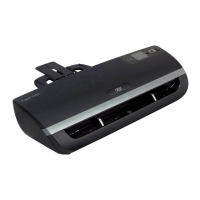
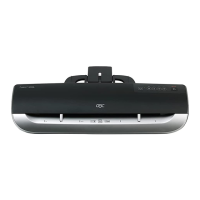
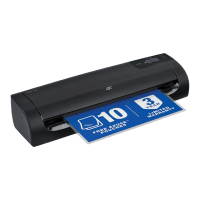
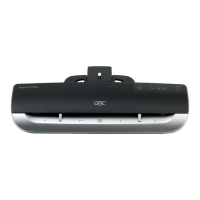
1. On the front of the laminator
there are adjustable guides to help
you feed your pouch accurately.
Move the guides to appropriate
line which matches your pouch/
item to be laminated.
2. Feed the sealed edge of the
pouch, into the laminator between
the guides. The laminator will grip
the pouch and guide it through to
the exit tray.
NOTE: Do not force guides against pouch
3. Do not force guides tightly
against pouch. Move guides to an
appropriate setting to allow pouch
to be fed in without
SEALED EDGE
A3, A4, A5, etc. Irregular shaped item
SEALED EDGE
Intelligent Pouch Select
6. Using the ‘Auto’ setting allows
the user to use any thickness of
pouch and the laminator will
automatically measure the
thickness of the pouch and
document and self set to the
appropriate speed.
NOTE: During warm up a circle will be
formed on the control panel and a red
indicator will flash in the centre of the circle
until ready ( ). When ready a series of
three beeps are heard and the ( ) will
show on the display. The machine will not
take any pouch during warm up.
Accurate Feed Guides


 To Next Page