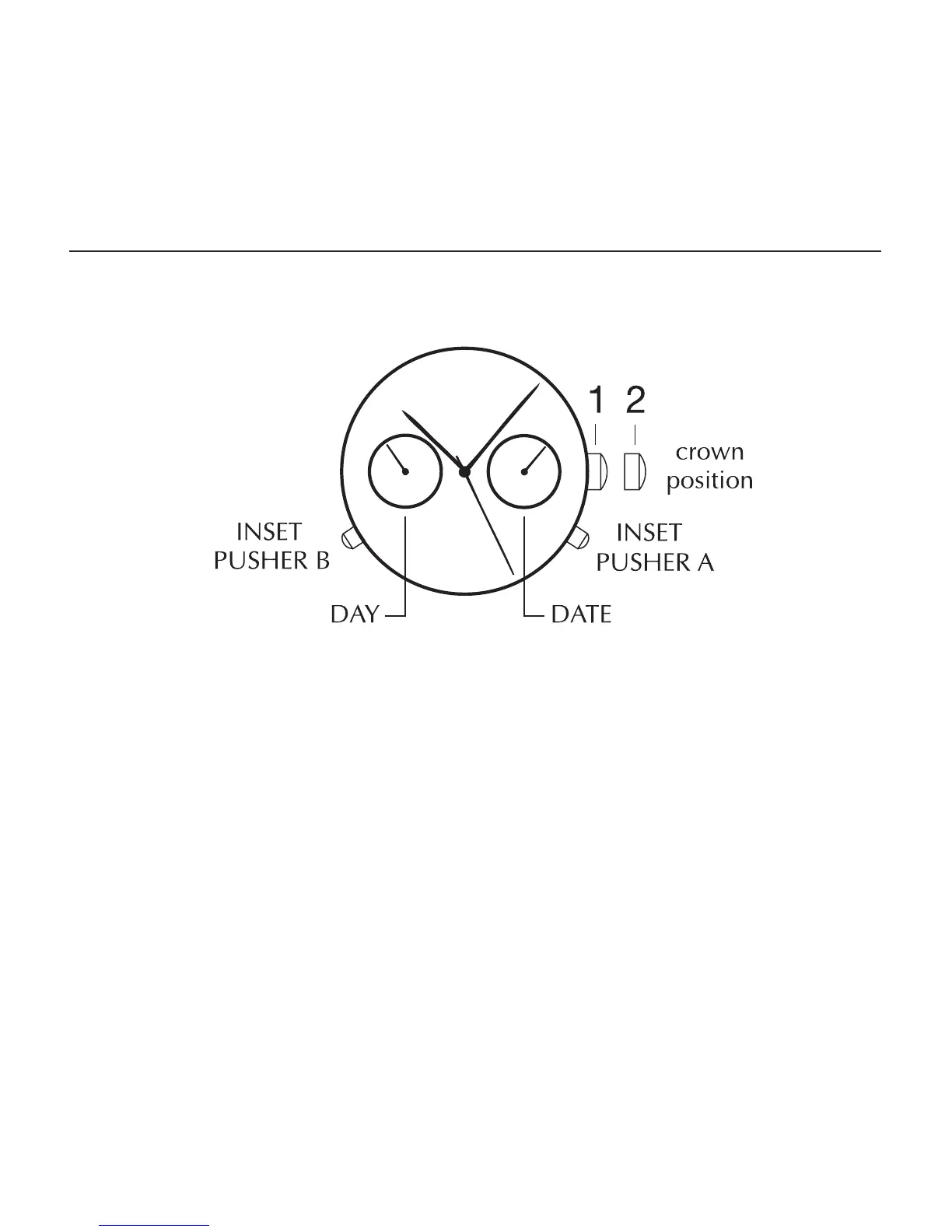
MULTIFUNCTION
TWO- EYE DAY DATE
To set the time:
1. PULL out crown to position 2.
2. TURN crown clockwise to correct time. Day and date will also
change.
3. PUSH back crown to position 1.
To set date:
1. PULL out the crown to position 2.
2. TURN crown clockwise to correct date.
3. PUSH in crown to position 1.



 To Next Page